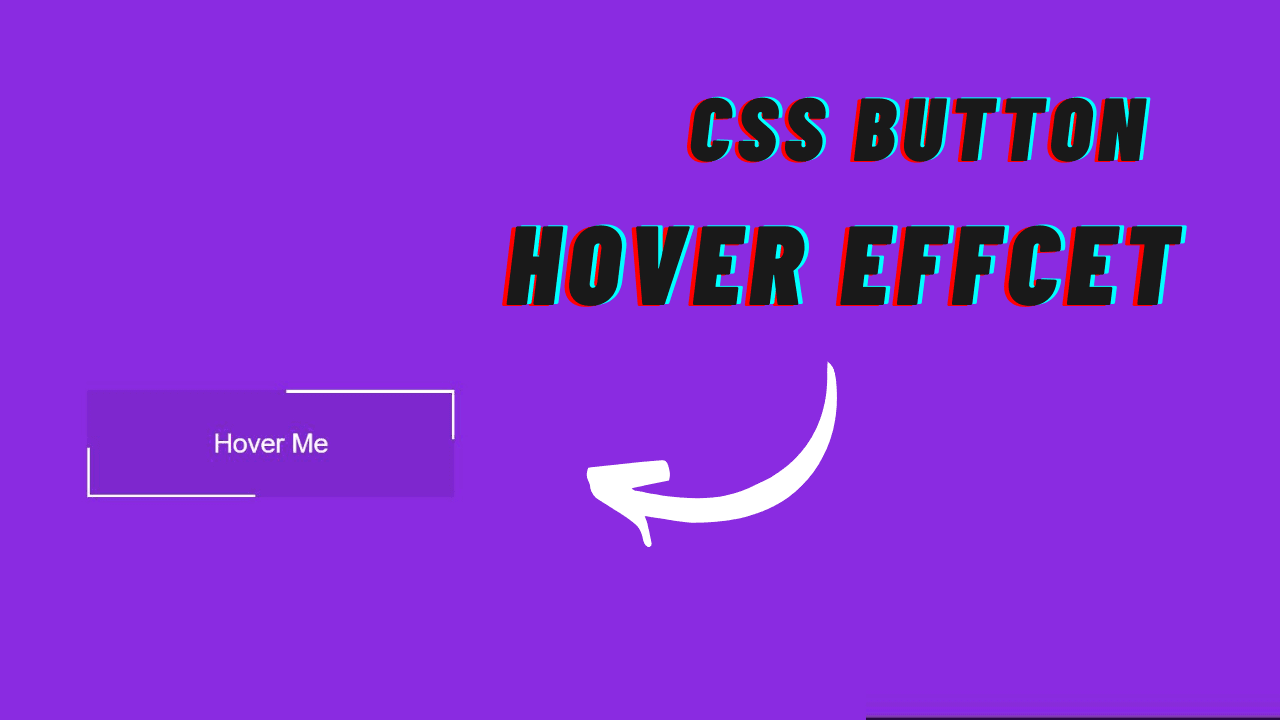
In this article, we will learn how to create simple animation (Hover Effect) on button using only HTML & CSS. This kind of CSS animation is stylish and makes a widget looks beautiful. Earlier in this blog, I have shared a couple of CSS animation, but here in this blog, I am going to create a nice-looking button hover animation effect only with HTML and CSS. Apart from this, I have shared many Neumorphism design in my blog. Please make sure to check those as well.
.
Hover effect is absolutely a change (of coloration, length, form, photo etc.) of a few element whilst you positioned a mouse arrow over it. Usually it is completed with css coding. The hover impact isn't always cranky in any respect and may be used practically for any css element.
You may like this:
Source Code:
If you like this Button hover effect, then feel free to use it in your project. Copy the code by clicking on Copy button provided below. First, you have to create two files. One of them is HTML, and the other is CSS. after creating the files, paste the code provided below.
I hope you liked this snippet. If so, please share the blog and follow us in our social media profiles and stay connected with this blog. Thank you for visiting.