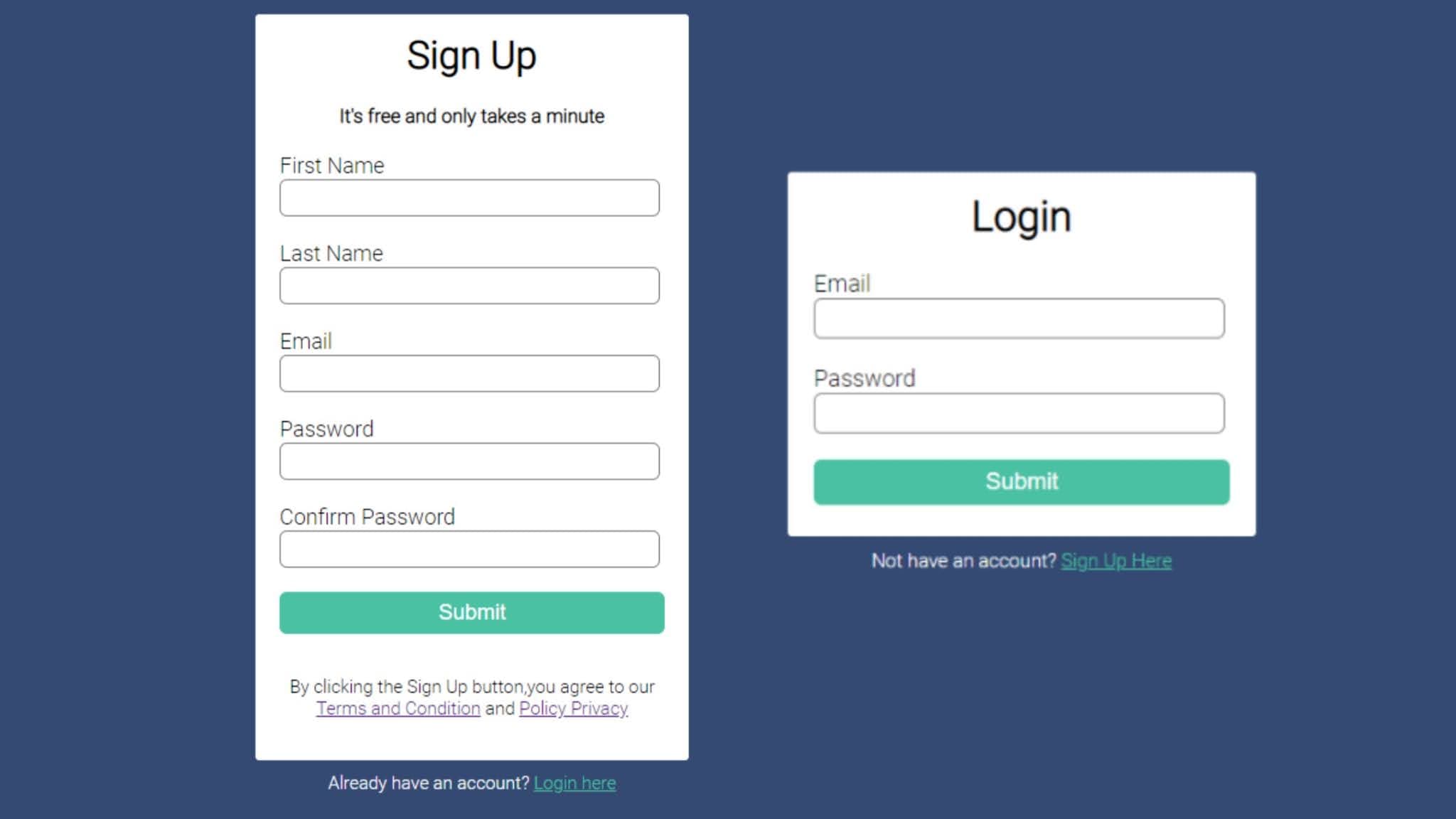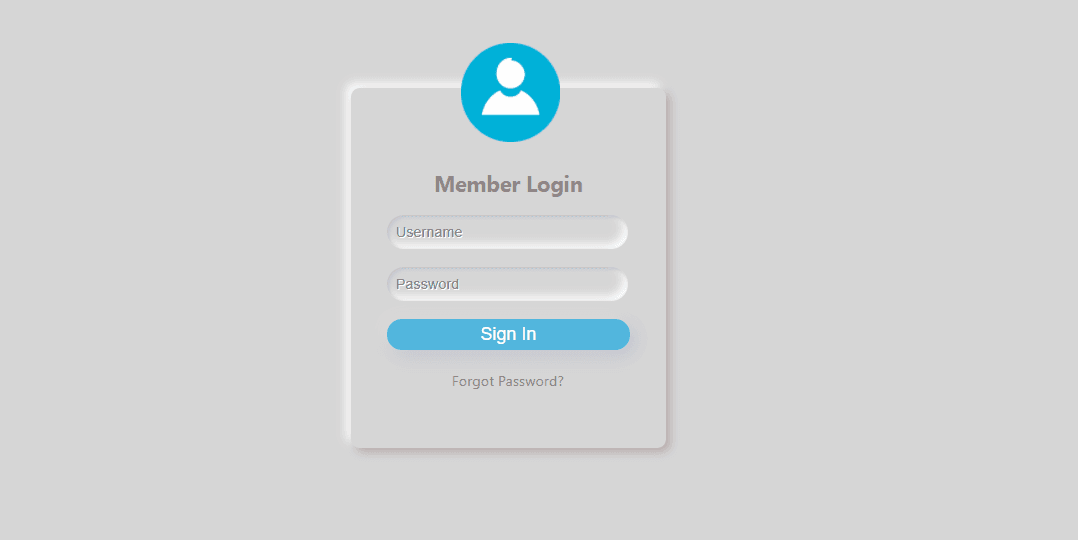
Hello friends, in this article, you will learn how to create Neomorphism login form using HTML and CSS.I have shared another snippet based on how to create a simple Sign in form. In this tutorial, I have created a Neomorphism Login form design using HTML and CSS, If you like this article, please also subscribe my YouTube channel - Code Info
HTML form is created with the help of <form> </form> tag and within this tag you will have all the input elements for taking user input. Web Form or HTML form is very flexible and it can have many input fields of different types such as text field, password filed, radio button, combo box etc.
HTML forms are required to collect different kinds of user data inputs, such as contact information like name, email address, phone numbers and credit card information, etc.
Forms contain unique factors known as controls like inputbox, checkboxes, radio-buttons, submit buttons, and so on. Customers normally complete a form through enhancing its controls e.g. Entering textual content, choosing gadgets, and so forth. and submitting this form to a web server for further processing.
Neomorphism
Neomorphism, or Soft UI, is a visual style that mixes background colours, shapes, gradients, highlights, and shadows to make sure photograph severe buttons and switches. All that allows attaining a soft, extruded plastic look, and almost 3D styling. Neomorphism is a visual style that blends techniques from skeuomorphism, realism, and flat design.
Box-Shadow
The box-shadow css property provides shadow results around an detail's frame. You may set a couple of results separated via commas. A container shadow is defined by using x and y offsets relative to the detail, blur and spread radius, and color.
You may like this:
Source Code:
If you like this Neomorphism Login Form design, then feel free to use it in your project. Copy the code by clicking on Copy button provided below. First, you have to create two files. One of them is HTML, and the other one is CSS. After creating the files, paste the code provided below.
I hope you liked this snippet. If so, please share the blog and follow us in our social media profiles and stay connected with this blog. Thank you for visiting.