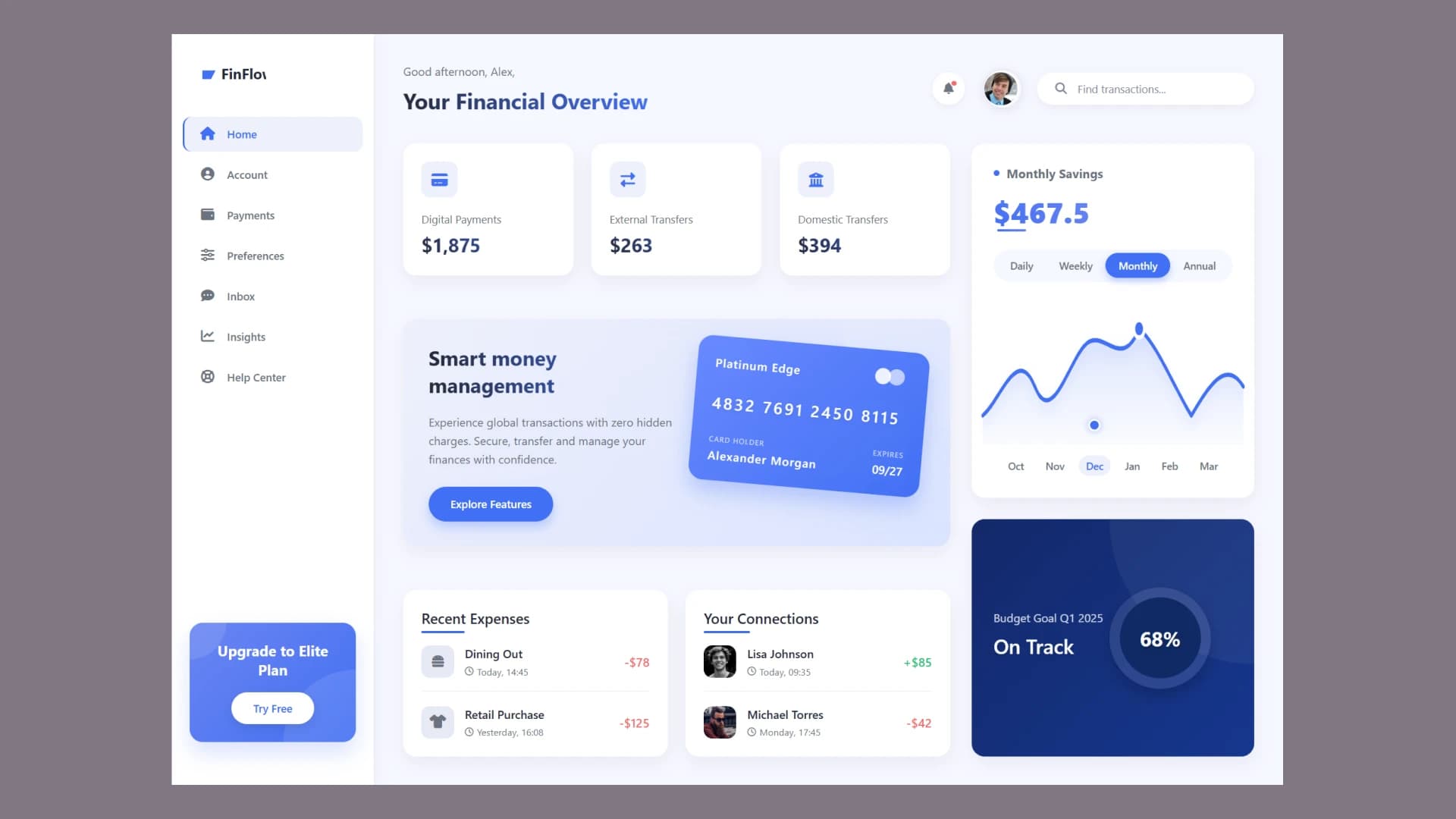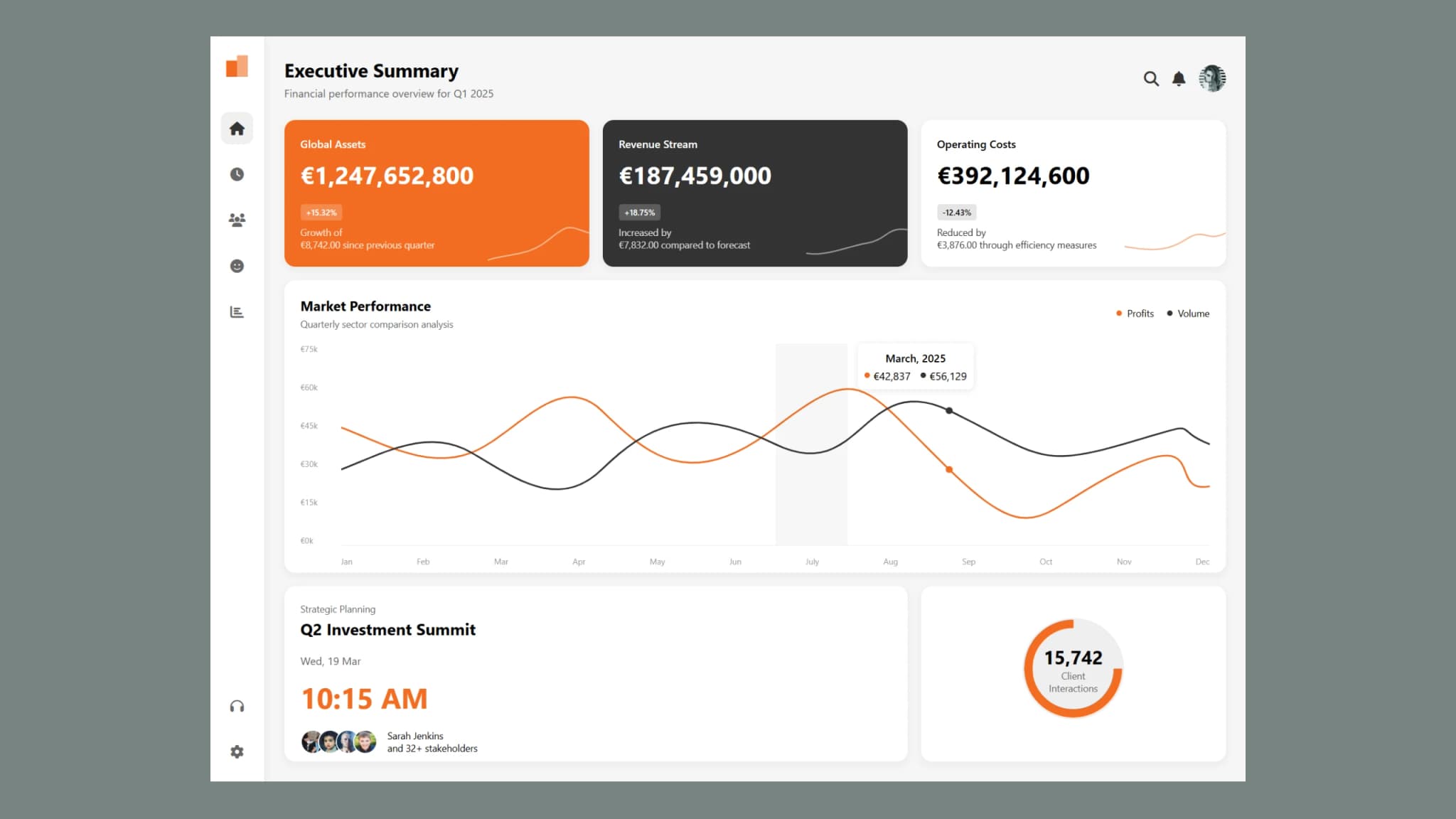
A corporate analytics dashboard is an essential tool for businesses to monitor key performance indicators (KPIs), track financial performance, and analyze business data in real-time. A well-designed dashboard provides a clear overview of important metrics like revenue, expenses, and market trends. In this guide, we will walk you through how to create a corporate analytics dashboard using HTML and CSS.
If you’re looking for a way to visualize financial data effectively, this step-by-step guide will help you build a sleek and responsive dashboard with interactive charts and business insights.
What is a Corporate Analytics Dashboard?
A corporate analytics dashboard is a visual representation of business data that helps executives and managers make informed decisions. It displays information like:
-
Financial performance (revenue, expenses, profit margins)
-
Market trends and comparisons
-
Upcoming meetings and schedules
-
Email and client activity
-
Real-time data insights By using HTML and CSS, we can structure and style an attractive, user-friendly interface that provides a seamless experience for users.
Key Features of a Corporate Analytics Dashboard
When designing a corporate analytics dashboard, the following features are essential:
Sidebar Navigation: A simple and intuitive sidebar with icons for quick access to different sections. Executive Summary: A high-level overview of business performance, including revenue, expenses, and growth trends. Financial Data Visualization: Line charts and graphs displaying financial growth and key business insights. Market Performance Tracking: A comparison of profits and transactions across different months. Upcoming Schedules and Events: A section for corporate meetings and strategic planning. Client Interaction Analytics: A gauge to track the number of client interactions and emails exchanged. Responsive Design: A layout that adapts to different screen sizes for better accessibility.
Why Use HTML and CSS for Building a Corporate Analytics Dashboard?
HTML and CSS are the building blocks of web design. Here’s why they are ideal for creating a corporate analytics dashboard:
-
Flexibility: HTML provides structure, while CSS allows you to style the dashboard to match corporate branding.
-
Responsiveness: CSS media queries make it easy to adjust the layout for different devices.
-
Customization: You can fully customize the UI with CSS animations, colors, and modern design elements.
-
Performance: A dashboard built with HTML and CSS loads faster and performs better than dashboards created with heavy frameworks.
Step-by-Step Guide to Creating a Corporate Analytics Dashboard
1. Plan Your Dashboard Layout
Before you start coding, sketch a rough layout of your corporate analytics dashboard. Identify where you want the sidebar, financial stats, and charts to appear.
2. Structure the Dashboard with HTML
Use HTML to create the sidebar, header, financial summary, and data visualization sections. Ensure you include the necessary divs, headings, and placeholders for future enhancements.
3. Style Your Dashboard with CSS
Apply CSS styles to make the dashboard visually appealing. Use:
-
Flexbox and Grid Layouts for a well-structured design.
-
Corporate Colors and Fonts that align with branding.
-
Hover Effects and Transitions for interactive elements.
4. Add Data Visualization for Business Insights
Integrate charts and graphs to display financial performance. You can use SVGs or JavaScript libraries like Chart.js for dynamic data representation.
5. Optimize for Mobile Devices
Use CSS media queries to make the dashboard mobile-friendly, ensuring a smooth experience across all devices.
Benefits of Using a Corporate Analytics Dashboard
A well-structured corporate analytics dashboard offers several benefits:
-
Improved Decision-Making: Provides real-time insights into business performance.
-
Better Data Visualization: Transforms complex data into easy-to-understand charts and graphs.
-
Efficiency & Productivity: Saves time by consolidating key business metrics in one place.
-
Enhanced User Experience: A clean, modern UI makes navigation easier for users.
-
Scalability: Can be expanded with additional features like dynamic data fetching and API integration.
Source code
If you like this design, then feel free to use it. Copy the code by clicking on Copy button provided below. First, you have to create two files. One of them is HTML and the other is JS after creating these files, paste the code provided below.
Conclusion
Creating a corporate analytics dashboard with HTML and CSS is a great way to enhance business decision-making by providing real-time data insights. With a well-planned layout, intuitive navigation, and interactive financial visualization, this dashboard can help businesses track and analyze their performance effectively.
Whether you’re a beginner or an experienced developer, following this guide will help you build a powerful corporate analytics dashboard that meets corporate needs. Start designing your business dashboard today and take your data analysis to the next level!
For further reading, check out this guide on web performance optimization to ensure your dashboard runs smoothly.