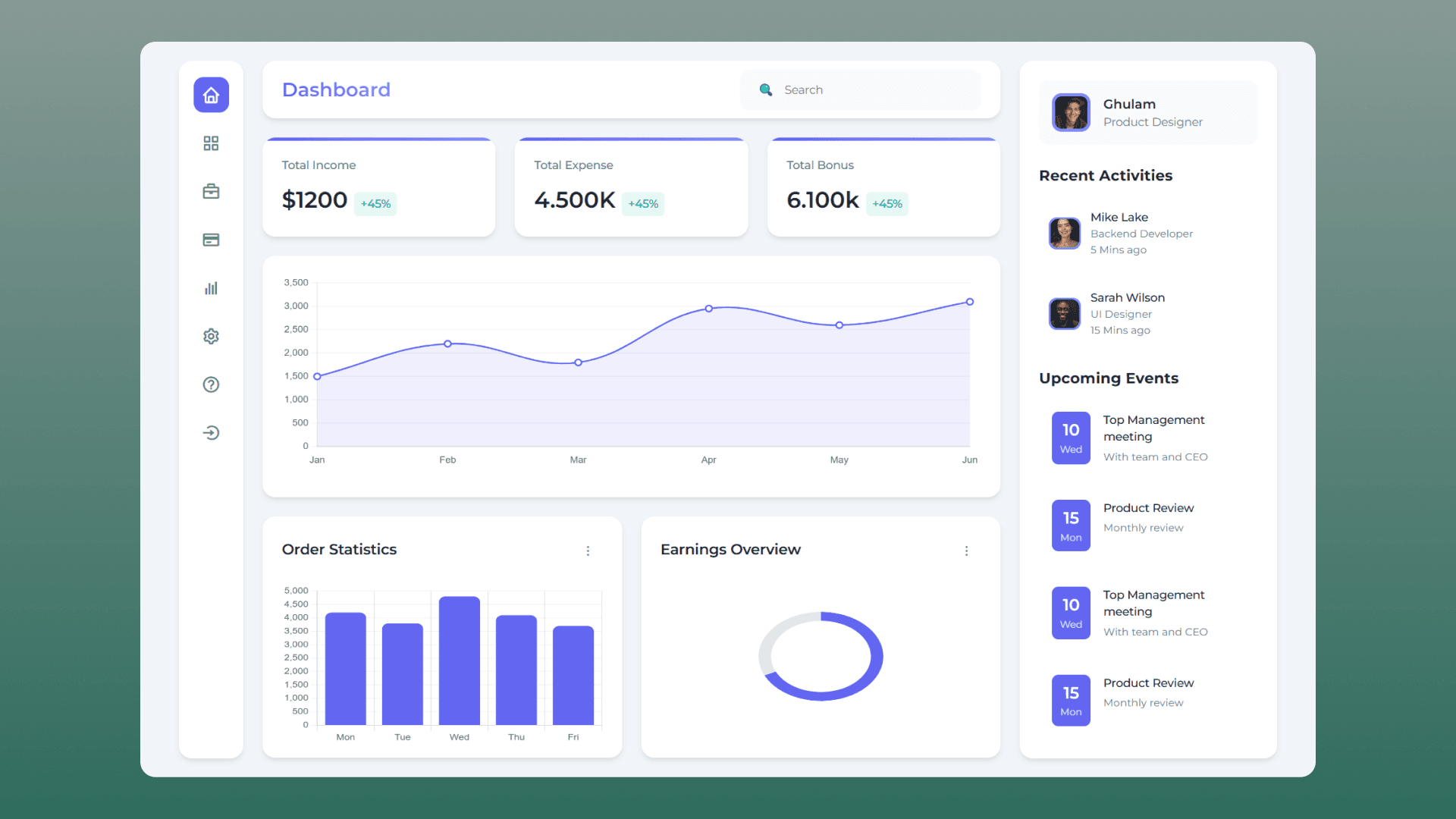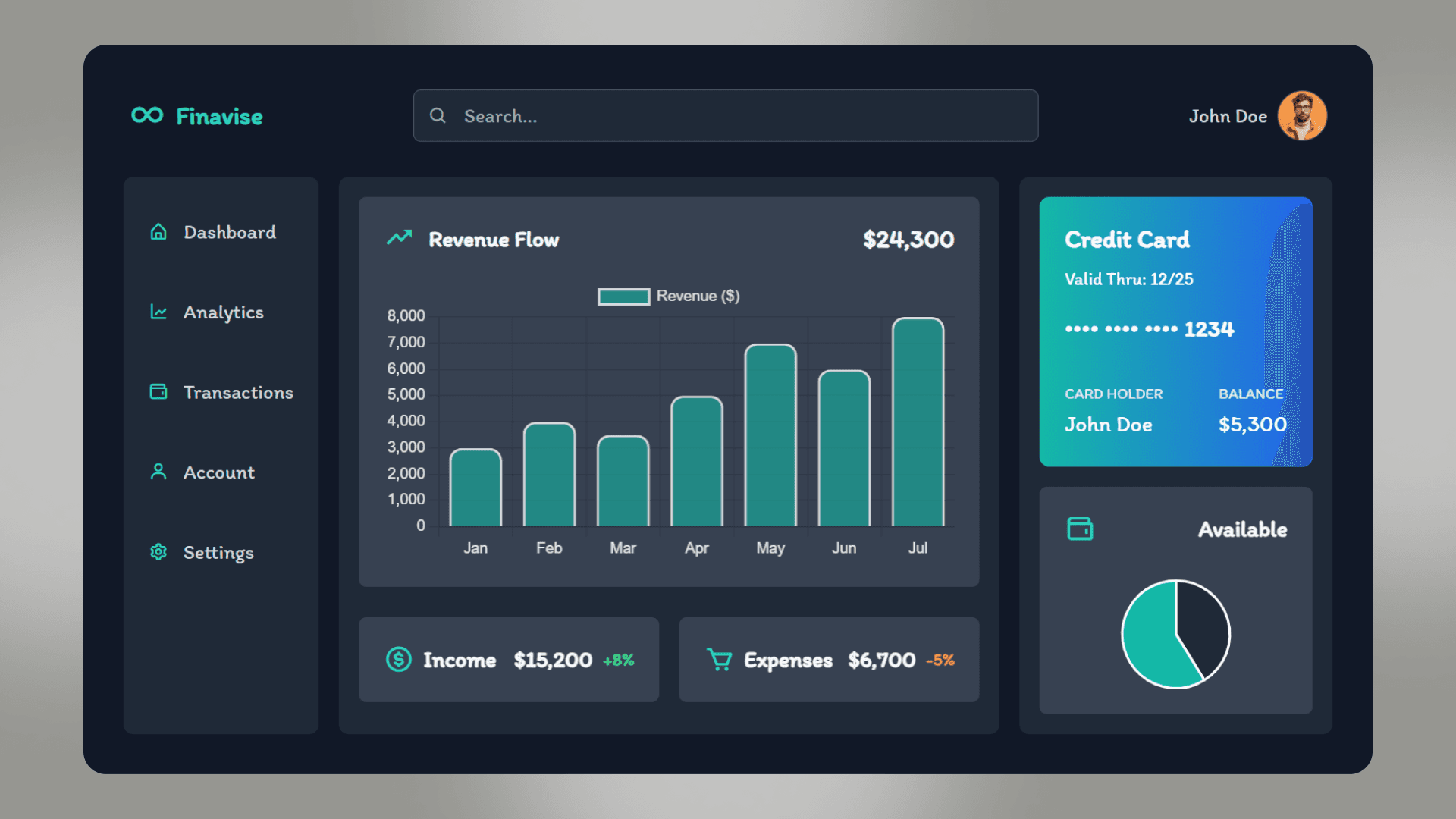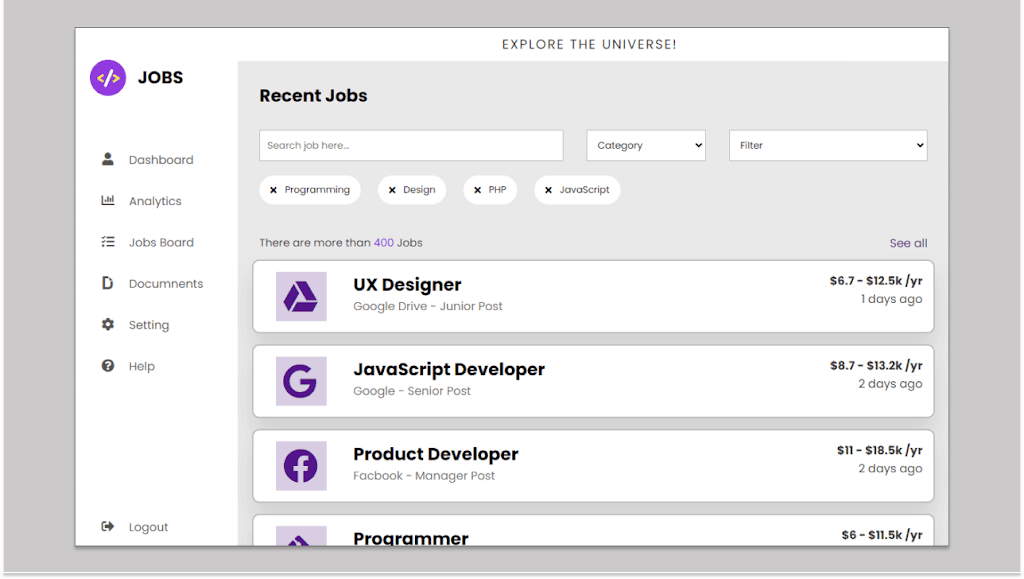
A well-designed financial dashboard is essential for tracking and managing transactions, insights, and payments efficiently. The FinFlow Dashboard is a sleek and modern user interface that provides a complete financial overview. In this guide, we will explore how you can create a professional-looking Stunning Dashboard using HTML and CSS. Whether you're a beginner or an experienced web developer, this tutorial will help you understand the key components of a well-structured finance management dashboard. checkout the Fast Food Dashboard with HTML, CSS and JavaScript
What is the FinFlow Dashboard?
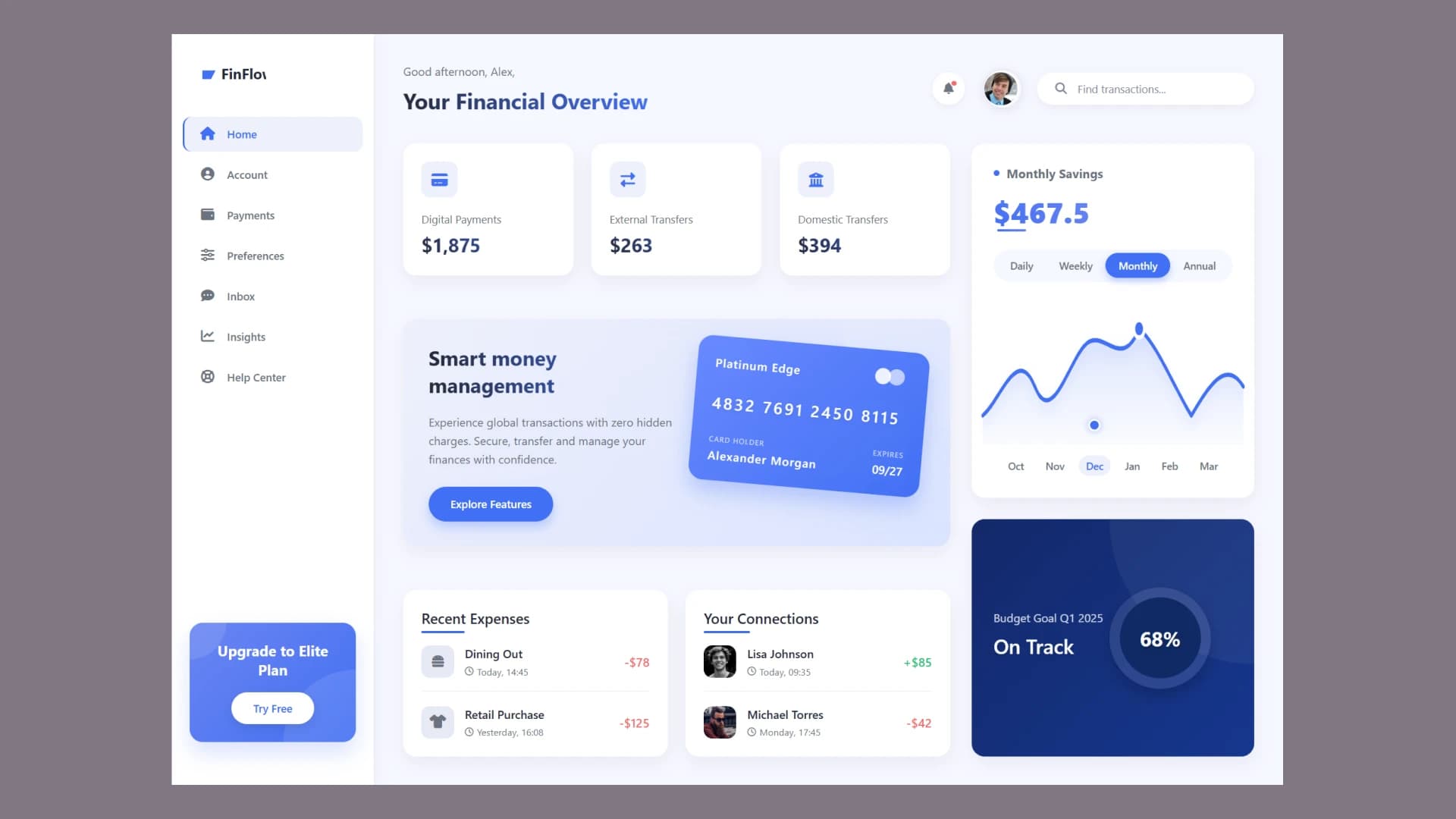
The FinFlow Dashboard is a finance management interface designed to provide users with an overview of their transactions, account details, and financial insights. It features a sidebar navigation menu, transaction cards, charts, and interactive elements that make financial tracking easier.
By following this guide, you will learn the essential components of building a similar dashboard with HTML and CSS for styling.
Key Features of the Stunning Dashboard
1. Sidebar Navigation Menu
A well-organized sidebar allows users to easily navigate between different sections like Home, Account, Payments, Preferences, Inbox, Insights, and Help Center.
2. Financial Overview Section
The main dashboard area provides an overview of transactions, total balance, recent payments, and external transfers. This helps users quickly analyze their financial activities.
3. Interactive Transaction Cards
Cards displaying financial data, such as digital payments and external transfers, make the interface visually appealing and easy to understand.
4. Smart Money Management Promo Card
A promotional section provides users with tips and features related to secure and efficient financial transactions.
5. Recent Expenses & Connections
Users can track their recent transactions, including expenses and money transfers between contacts.
6. Monthly Savings and Budget Tracking
A visually appealing graph showcases monthly savings, allowing users to track their progress toward financial goals.
Why Create a Financial Dashboard?
Financial dashboards are essential for organizing and tracking personal or business finances. Here’s why you should consider building one:
-
Easy Financial Tracking: Get a clear overview of your income and expenses.
-
Improved Decision Making: Helps users make informed financial decisions.
-
User Engagement: An interactive and visually appealing UI keeps users engaged.
-
Customizable: You can modify it according to your financial needs.
Enhancing User Experience with Modern UI/UX
To make the Stunning Dashboard stand out, ensure that you follow best UI/UX practices:
-
Use aesthetic color schemes that match finance-based applications.
-
Ensure responsive design for mobile and desktop compatibility.
-
Implement hover effects and smooth animations for an interactive feel.
-
Optimize performance by using lightweight assets and efficient CSS and JS.
Source code
If you like this design, then feel free to use it. Copy the code by clicking on Copy button provided below. First, you have to create two files. One of them is HTML and the other is CSS after creating these files, paste the code provided below.
Conclusion
Creating a stunning Dashboard using HTML and CSS is a great way to improve your web development skills. This dashboard provides a sleek, modern, and interactive experience for users managing their finances. With essential components like a sidebar menu, transaction cards, interactive elements, and financial insights, you can build an impressive finance management system that enhances usability and efficiency.
Start designing your own financial dashboard today and take your UI/UX skills to the next level!