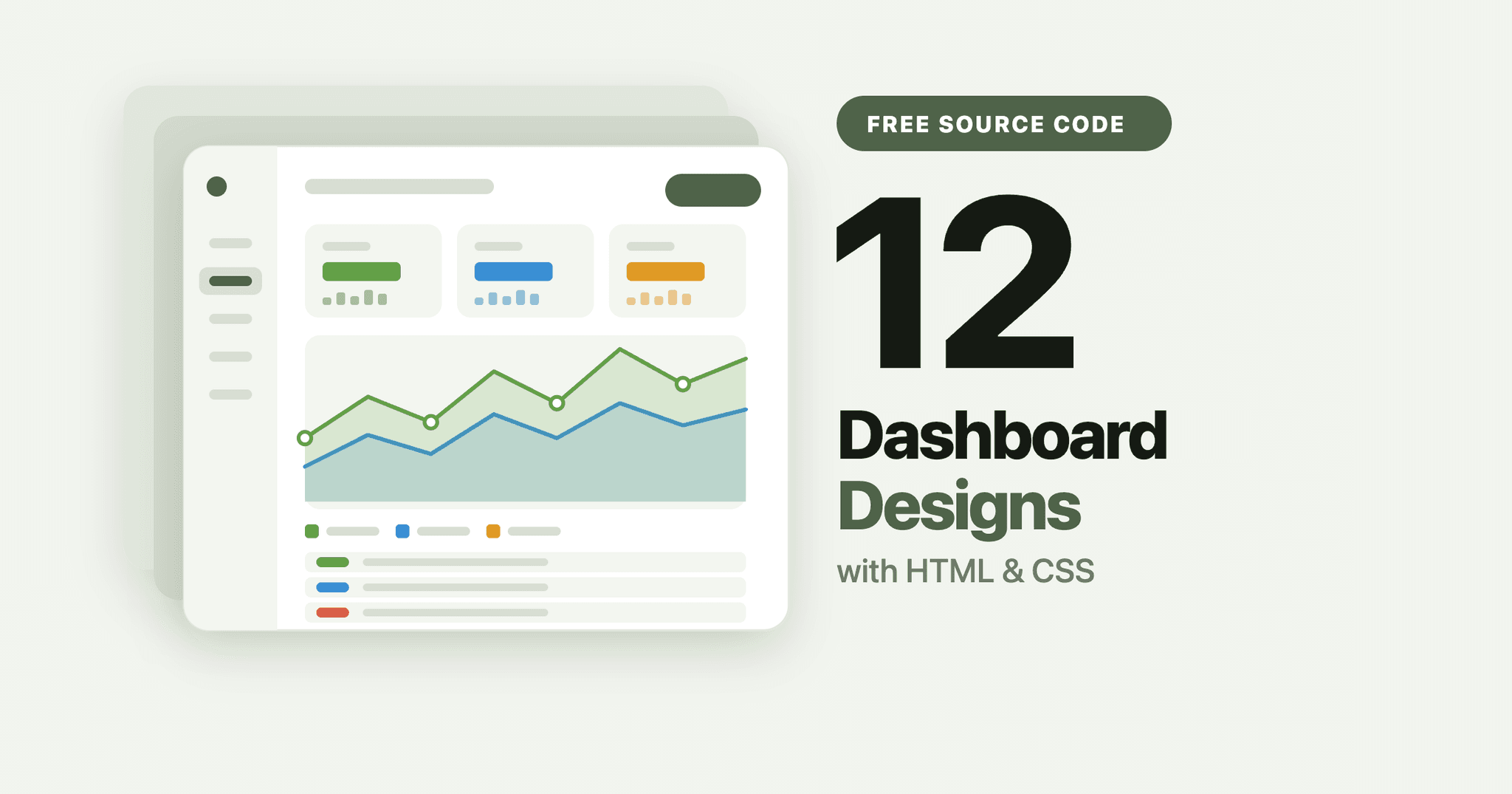
A dashboard is one of the most useful things you can build while learning front-end development. It forces you to work with grid layouts, cards, charts, sidebar navigation, and responsive breakpoints all in one project. That combination is exactly what interviewers and clients look for.
Below are 12 dashboard designs you can build with HTML and CSS, each with a full tutorial and complete source code. They range from a plain admin panel to bold Neo Brutalism and dark themed layouts with charts.
What makes a good dashboard design
Before picking one, it helps to know what separates a dashboard that looks professional from one that looks like a school project:
- A clear visual hierarchy. The most important number should be the biggest thing on screen.
- Consistent spacing. Cards on the same row should share the same padding and gap.
- Readable data. Charts and stats need enough contrast and whitespace to scan quickly.
- A collapsible sidebar. Navigation should shrink to icons or slide away on smaller screens.
- A responsive grid. Cards should reflow from four columns to two to one as the screen narrows.
Every design below covers at least three of these.
1. Simple Admin Panel with HTML and CSS
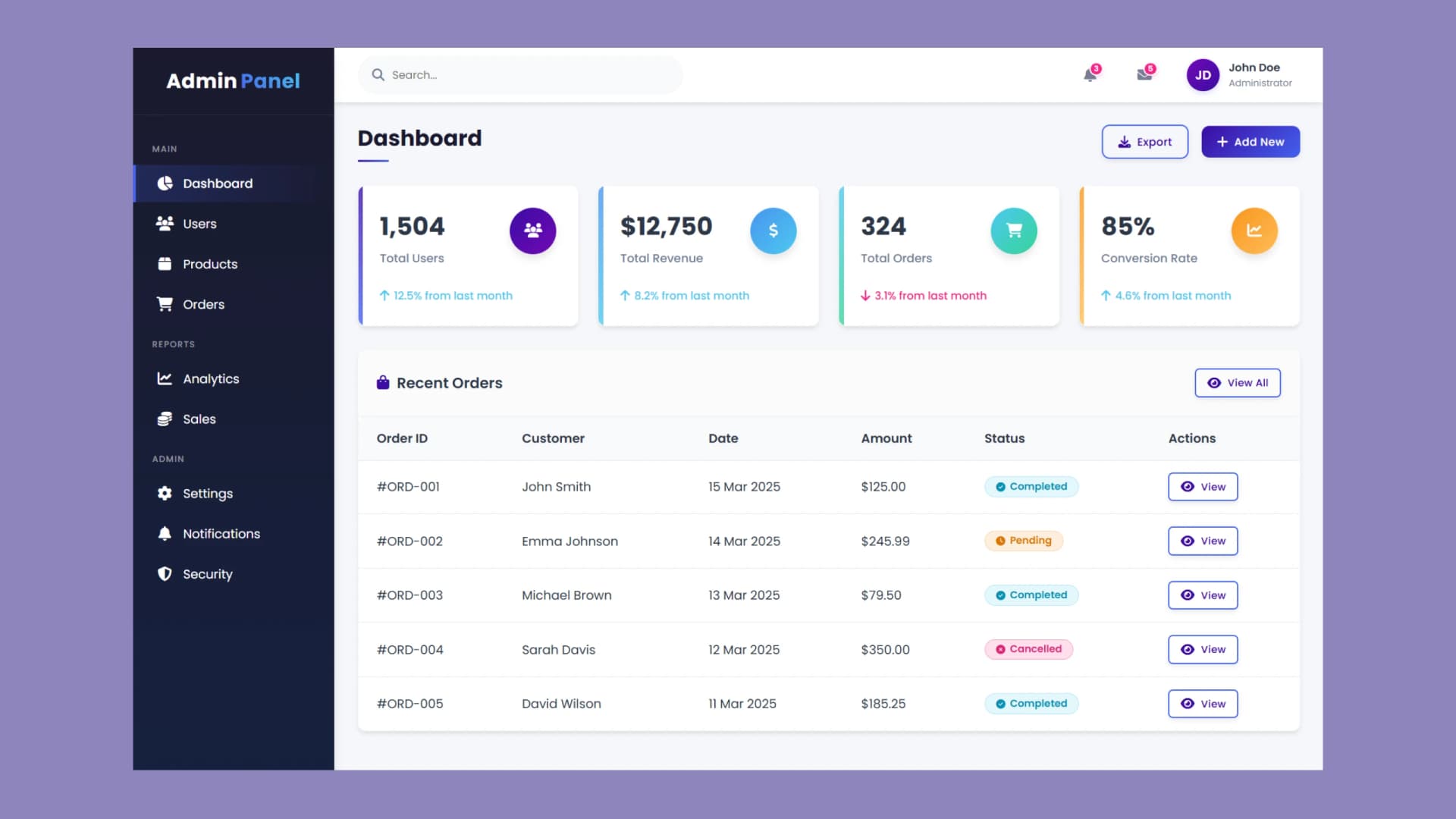
Built with: HTML and CSS · Best for: your first dashboard
A clean starting point if you have never built a dashboard before. It covers sidebar navigation, a row of statistics cards, and a responsive layout without any JavaScript. Build this one first, then use its structure as the base for everything else on this list.
Read the tutorial and get the source code
2. Neo Brutalism Dashboard with HTML and CSS
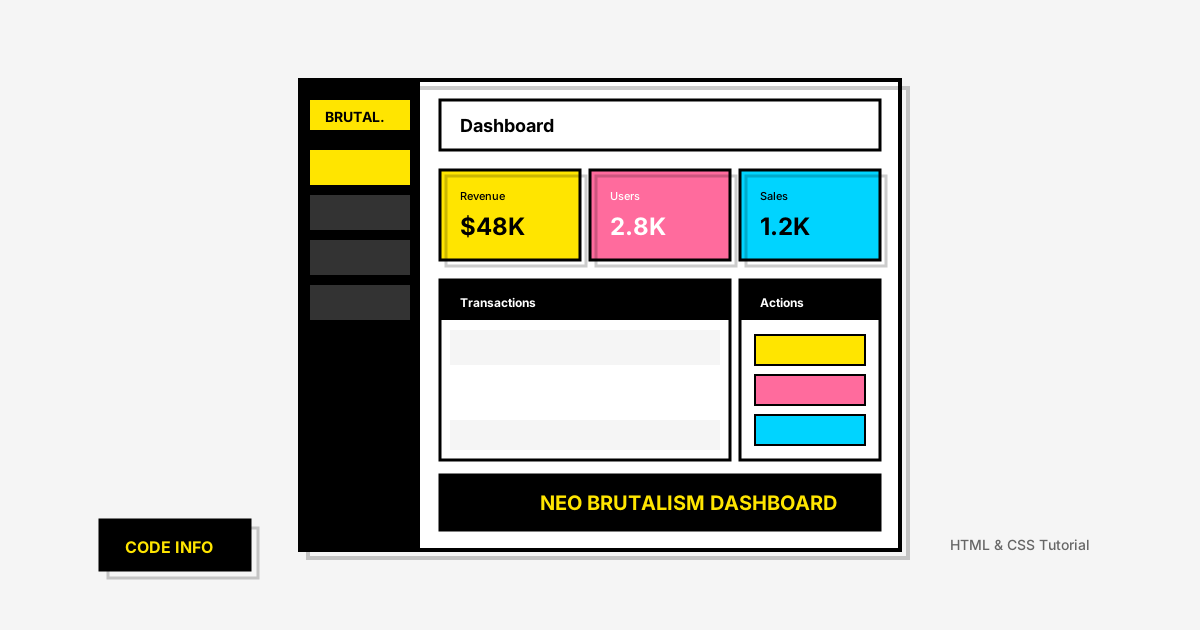
Built with: HTML and CSS · Best for: a portfolio piece people remember
Neo Brutalism uses thick black borders, hard offset shadows, and flat bright colours instead of soft gradients. This build shows how to apply that style to an admin panel with stats cards and sidebar navigation. It is the boldest design on this list and the most memorable in a portfolio.
Read the tutorial and get the source code
3. Dashboard with Tailwind CSS and JavaScript
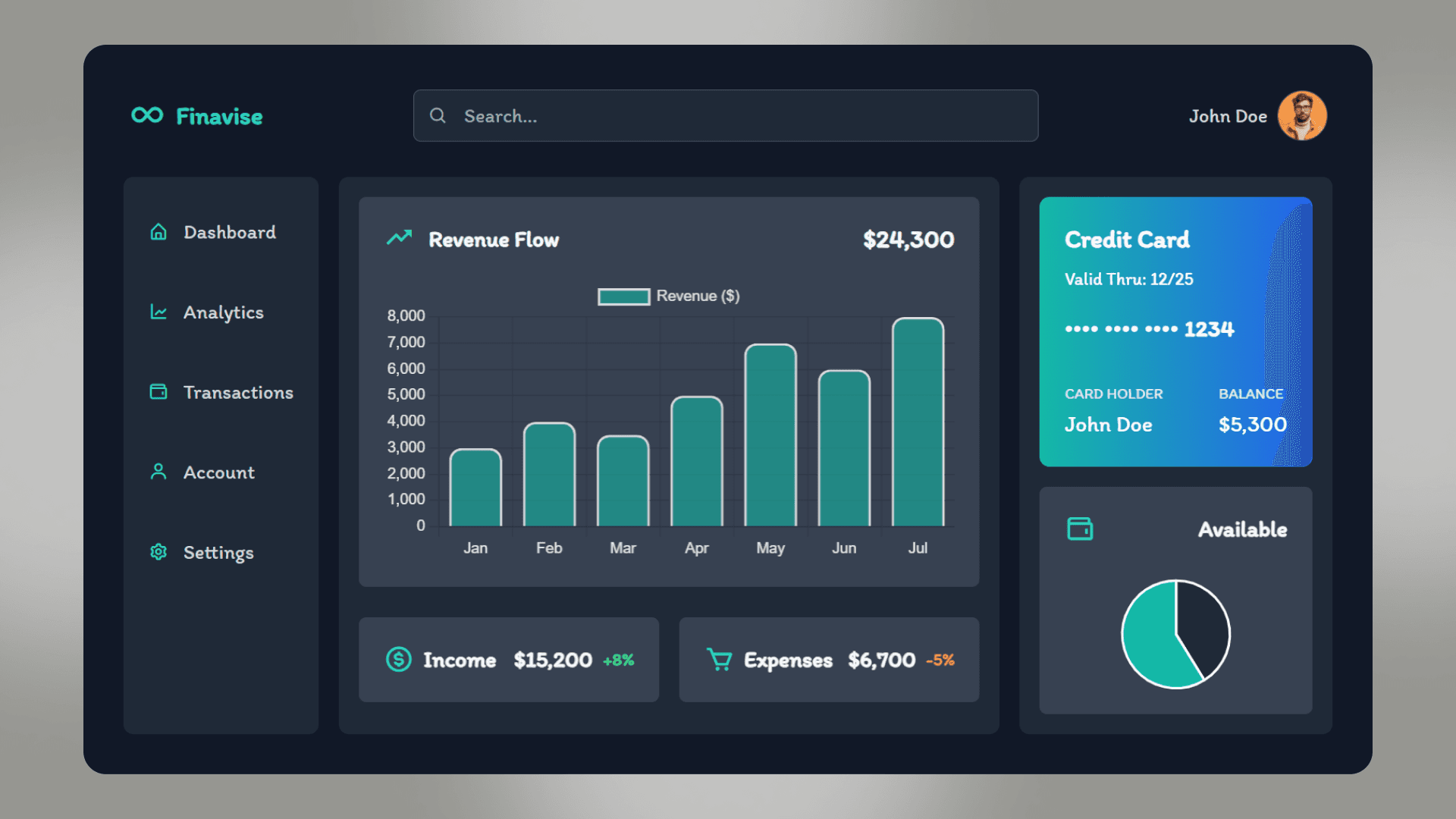
Built with: Tailwind CSS, JavaScript, Chart.js · Best for: learning utility-first CSS and real charts
A modern dark themed dashboard built with Tailwind CSS, using Chart.js for the data visualisations. If you want to learn utility-first CSS and see how real charts are wired up, this is the one to build.
Read the tutorial and get the source code
4. Admin Dashboard with HTML and CSS
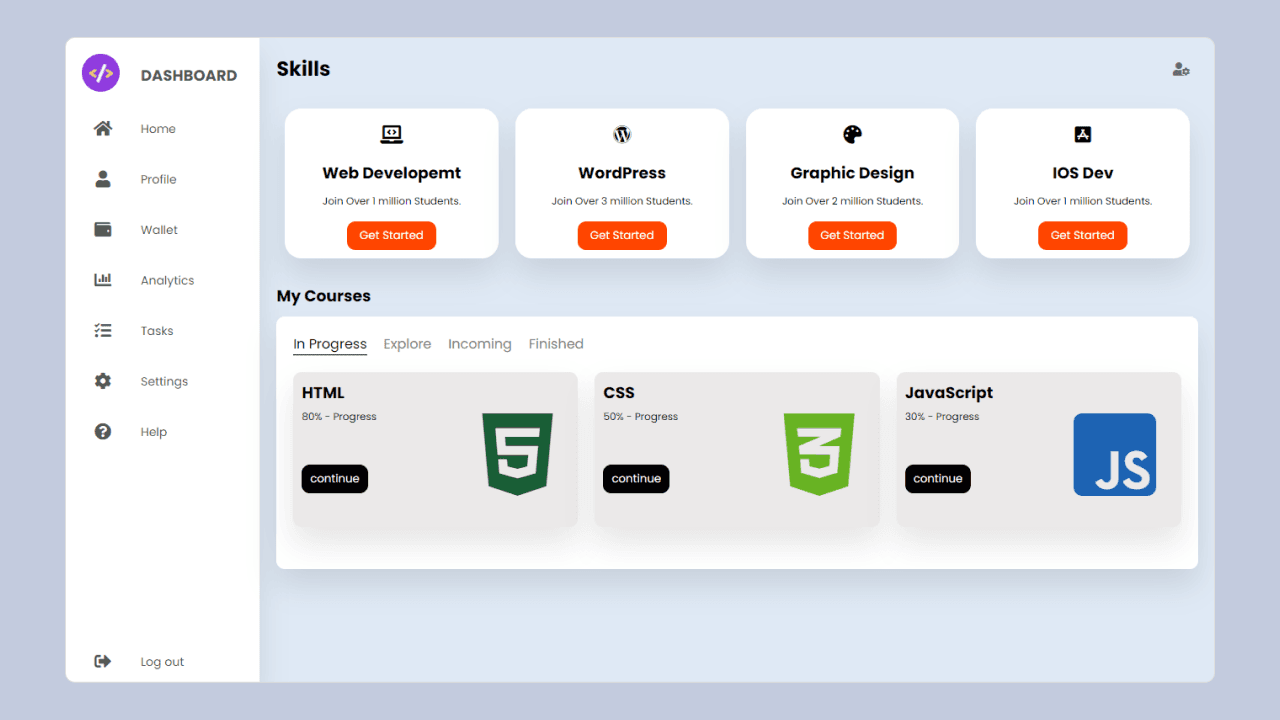
Built with: HTML and CSS · Best for: your second dashboard project
A step by step admin dashboard covering navigation menus, data tables, and a responsive card grid. It goes deeper on layout structure than the simple admin panel, so it is a good second project.
Read the tutorial and get the source code
5. Attendance Dashboard with HTML and CSS
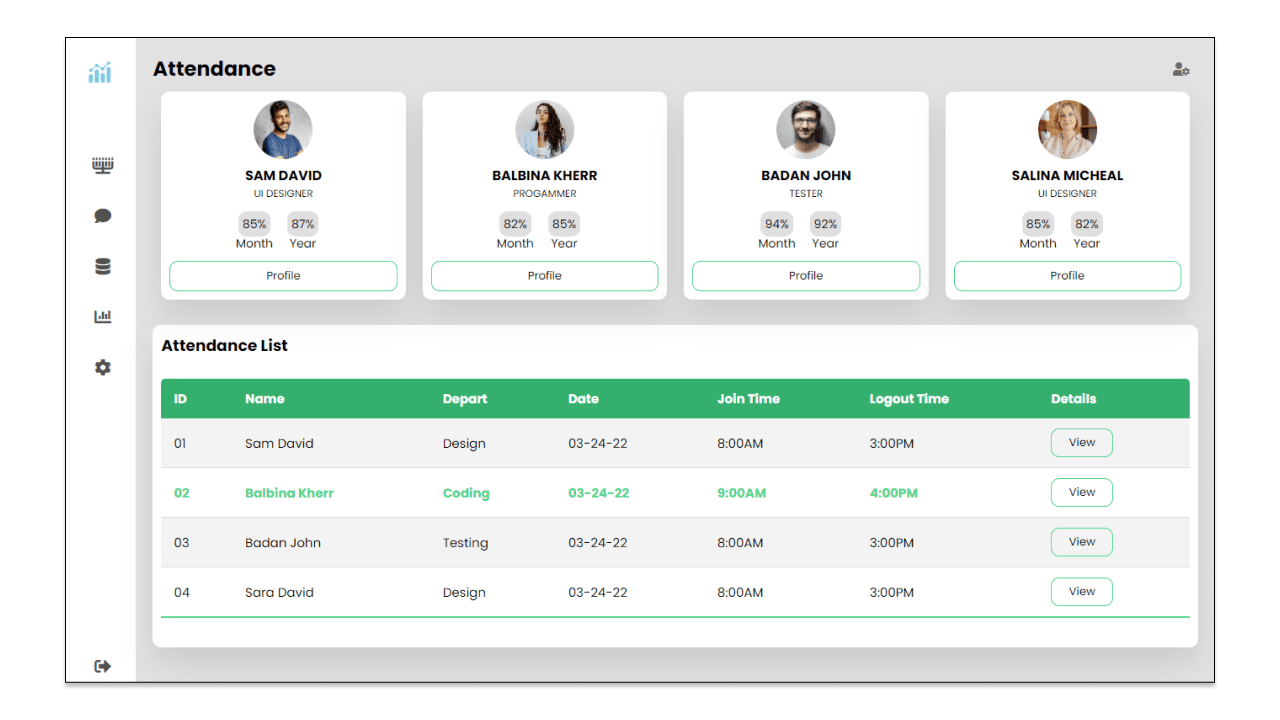
Built with: HTML and CSS · Best for: practising data tables
A practical dashboard for tracking employee or student attendance. It focuses on presenting tabular data clearly, which is a different skill from building stat cards, and it is the kind of interface real internal tools actually use.
Read the tutorial and get the source code
6. Financial Dashboard with HTML and CSS
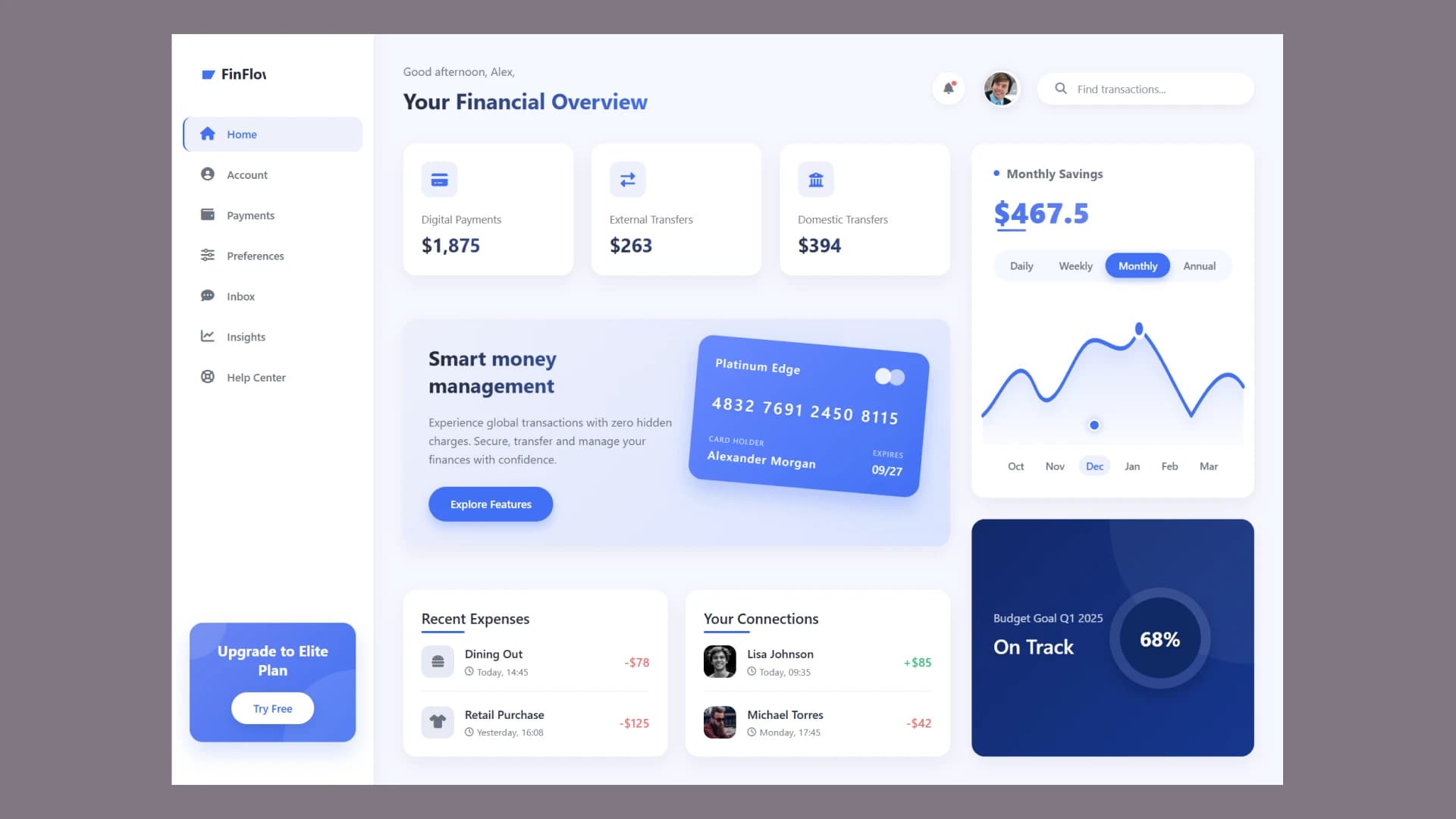
Built with: HTML, CSS and JavaScript · Best for: fintech style interfaces
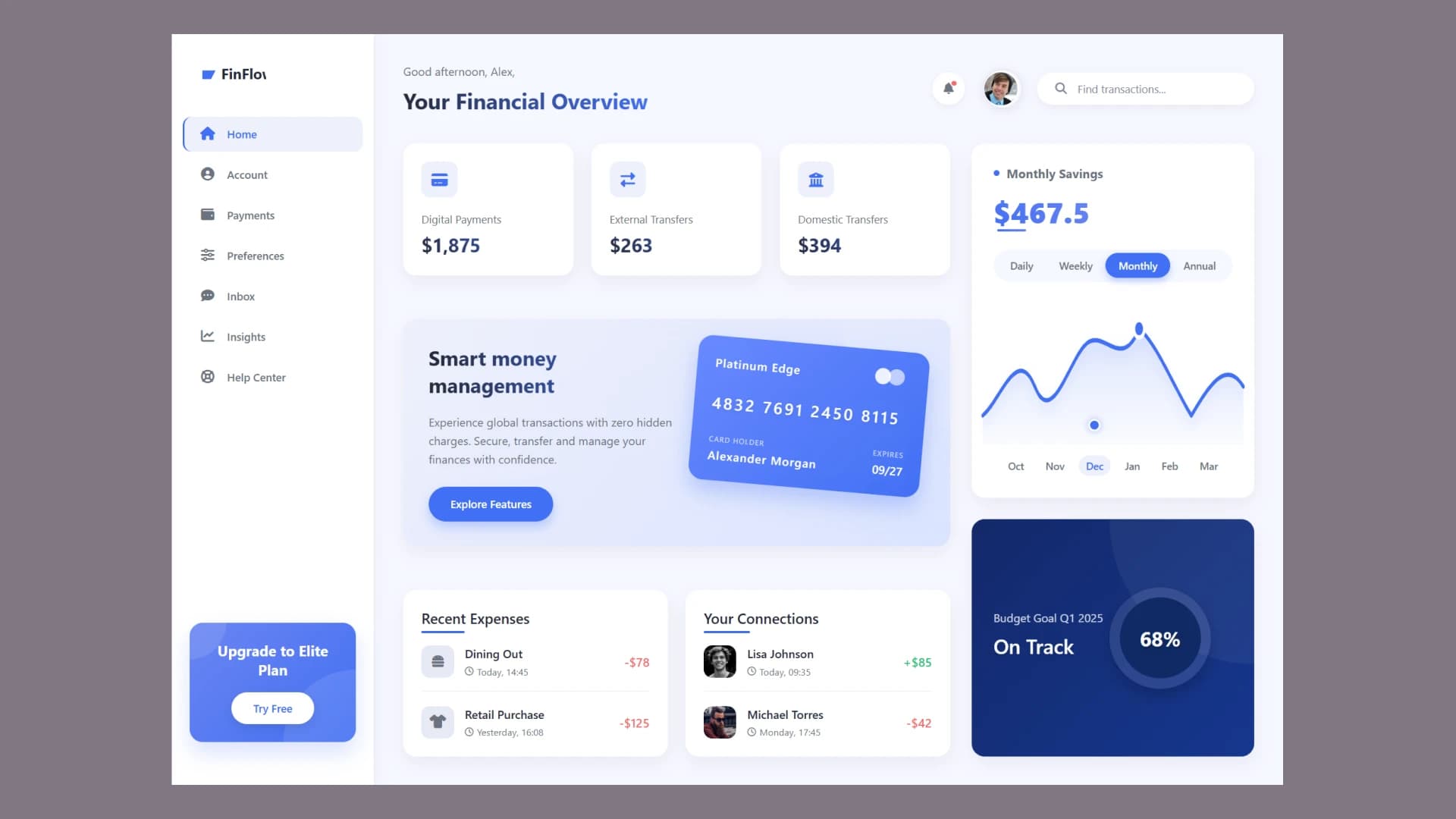
A FinFlow style financial interface with transaction cards, balance summaries, and a clean card grid. Good practice for aligning numbers and building a layout where money figures need to read clearly at a glance.
Read the tutorial and get the source code
7. Food Dashboard with HTML and CSS
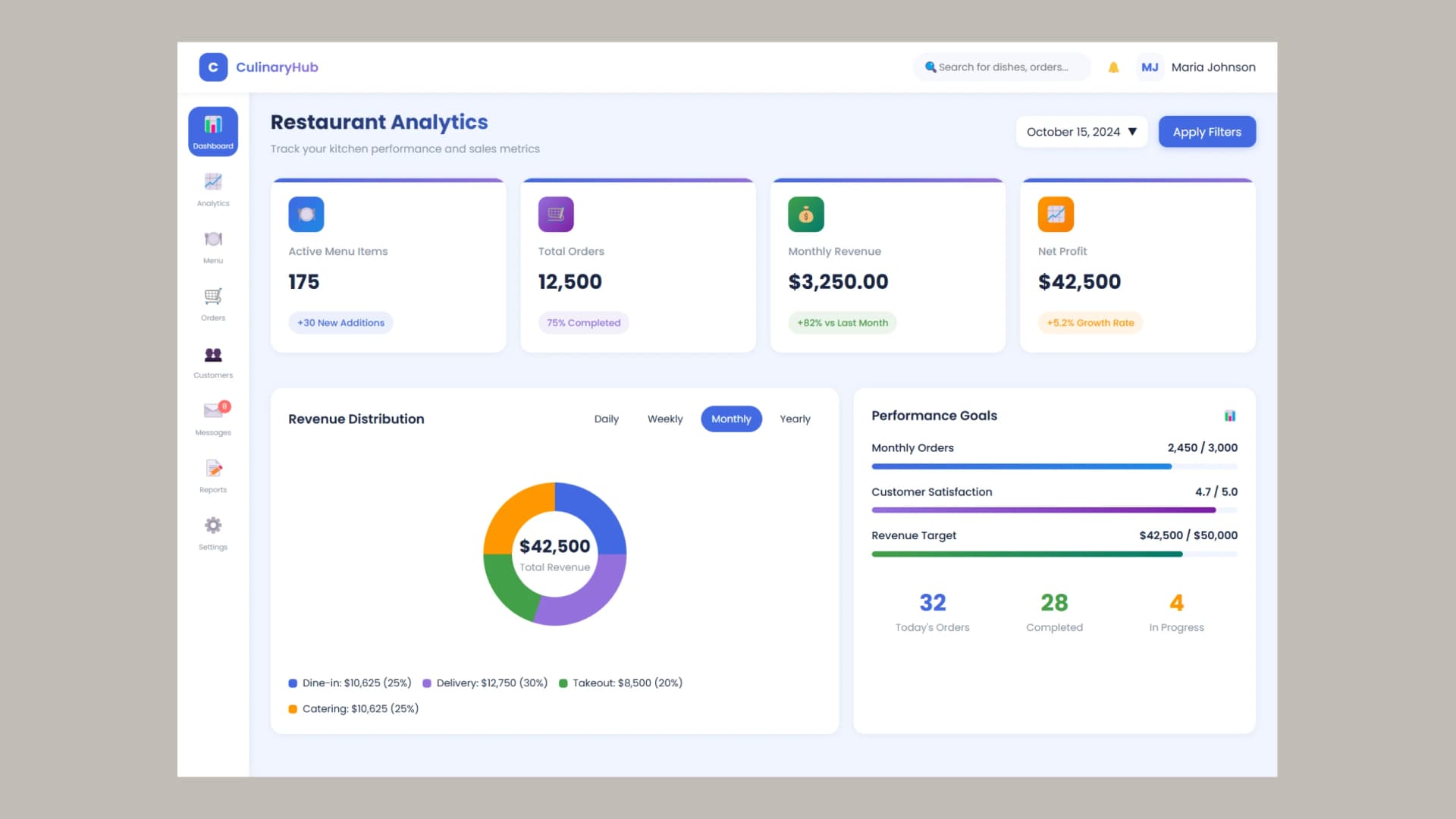
Built with: HTML and CSS · Best for: standing out from blue and grey admin panels
A restaurant analytics dashboard with order tracking and revenue monitoring. This one is worth building because the visual style is warmer and less corporate than most admin panels, which makes it stand out in a portfolio full of blue and grey dashboards.
Read the tutorial and get the source code
8. Job Dashboard with HTML and CSS
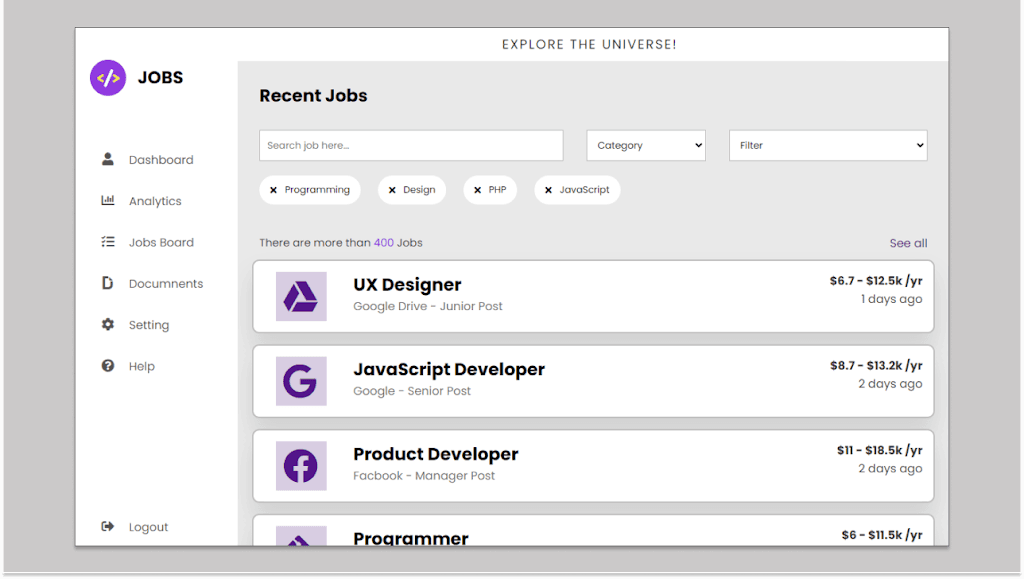
Built with: HTML and CSS · Best for: building a clean feed layout
A job listing dashboard with an interactive layout and a modern card design. It shows how to present a feed of similar items without the page becoming repetitive.
Read the tutorial and get the source code
9. Admin Dashboard with Data Tracking
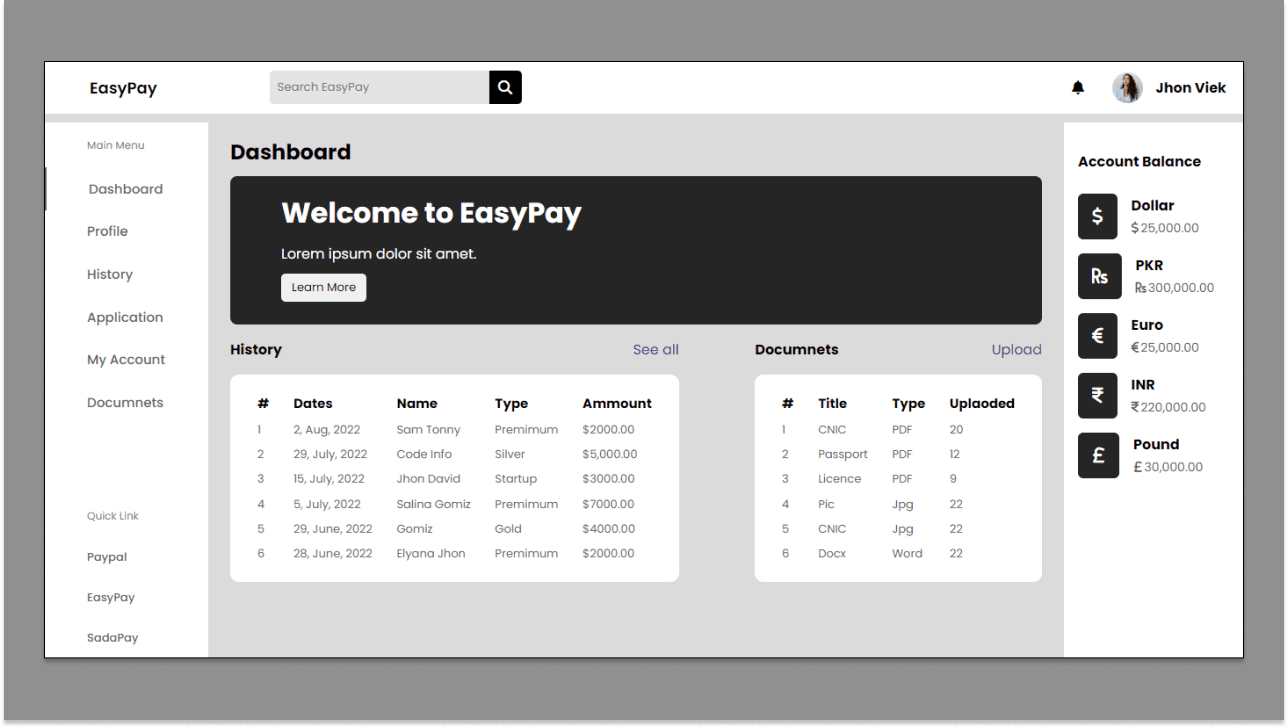
Built with: HTML and CSS · Best for: laying out charts beside stat cards
A control panel focused on data tracking and charts. It covers how to lay out multiple chart panels beside stat cards without the page feeling crowded.
Read the tutorial and get the source code
10. Corporate Analytics Dashboard with HTML and CSS
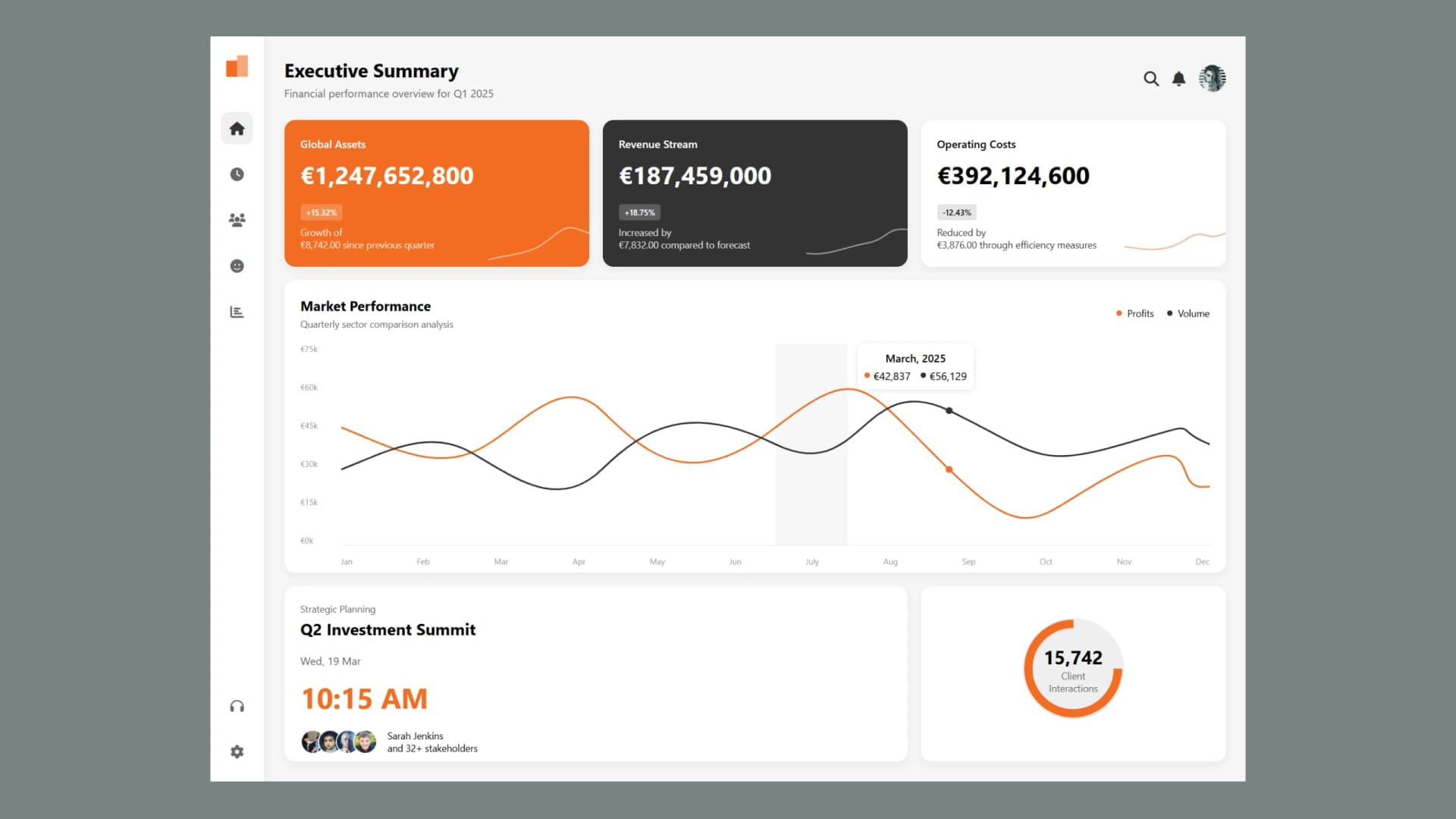
Built with: HTML and CSS · Best for: client and agency work
A business metrics dashboard for tracking KPIs, revenue, and expenses. The most corporate design on this list, and the closest to what you would actually ship for a company client.
Read the tutorial and get the source code
11. Modern Website Dashboard Design
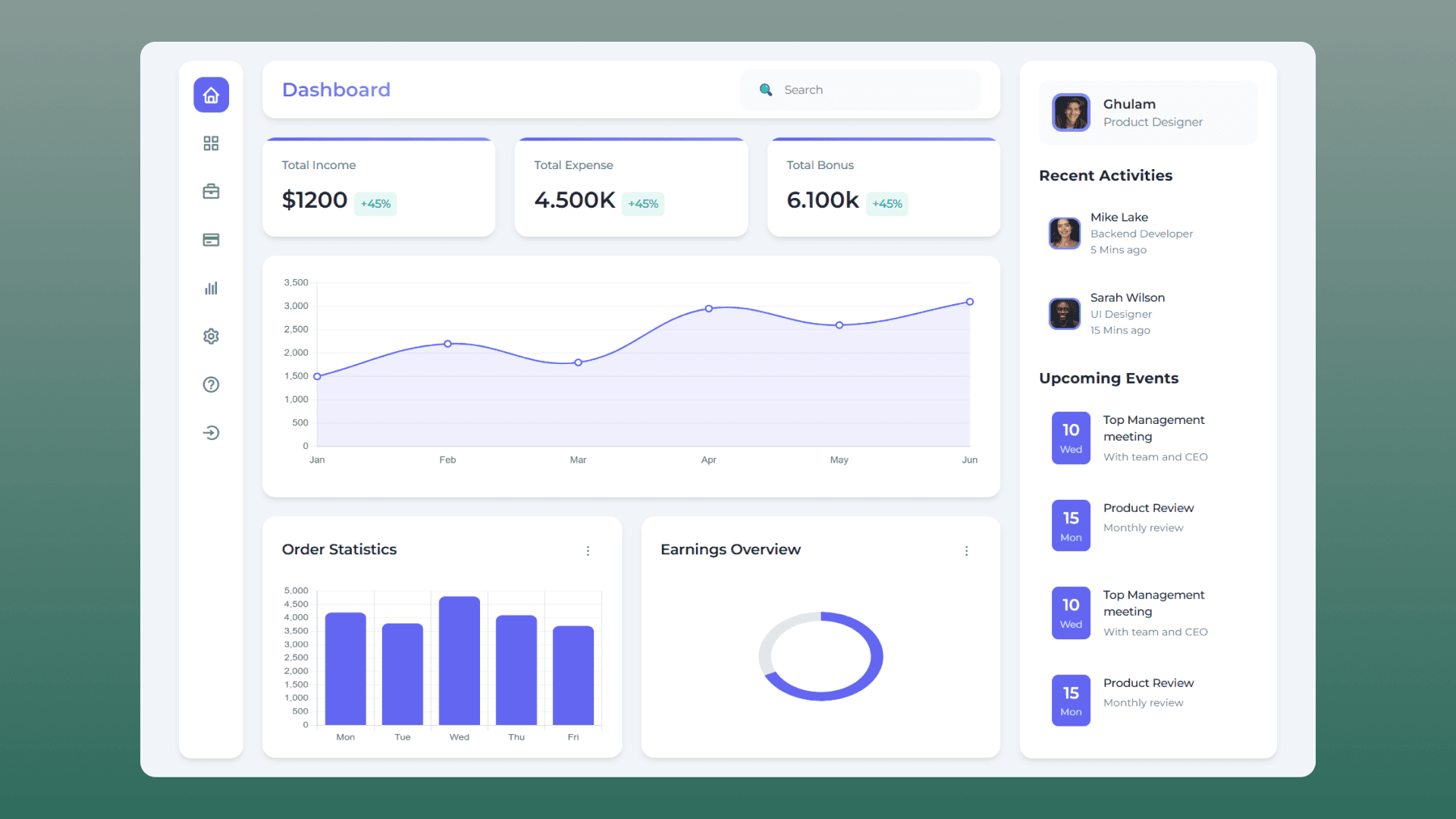
Built with: HTML, CSS and JavaScript · Best for: a harder layout challenge
A dashboard combining sidebar menus, data charts, and a calendar widget. Building a calendar into a dashboard grid is a genuinely tricky layout problem, so this is a good one to attempt after the simpler builds.
Read the tutorial and get the source code
12. Responsive Collapsible Sidebar with HTML CSS and JavaScript
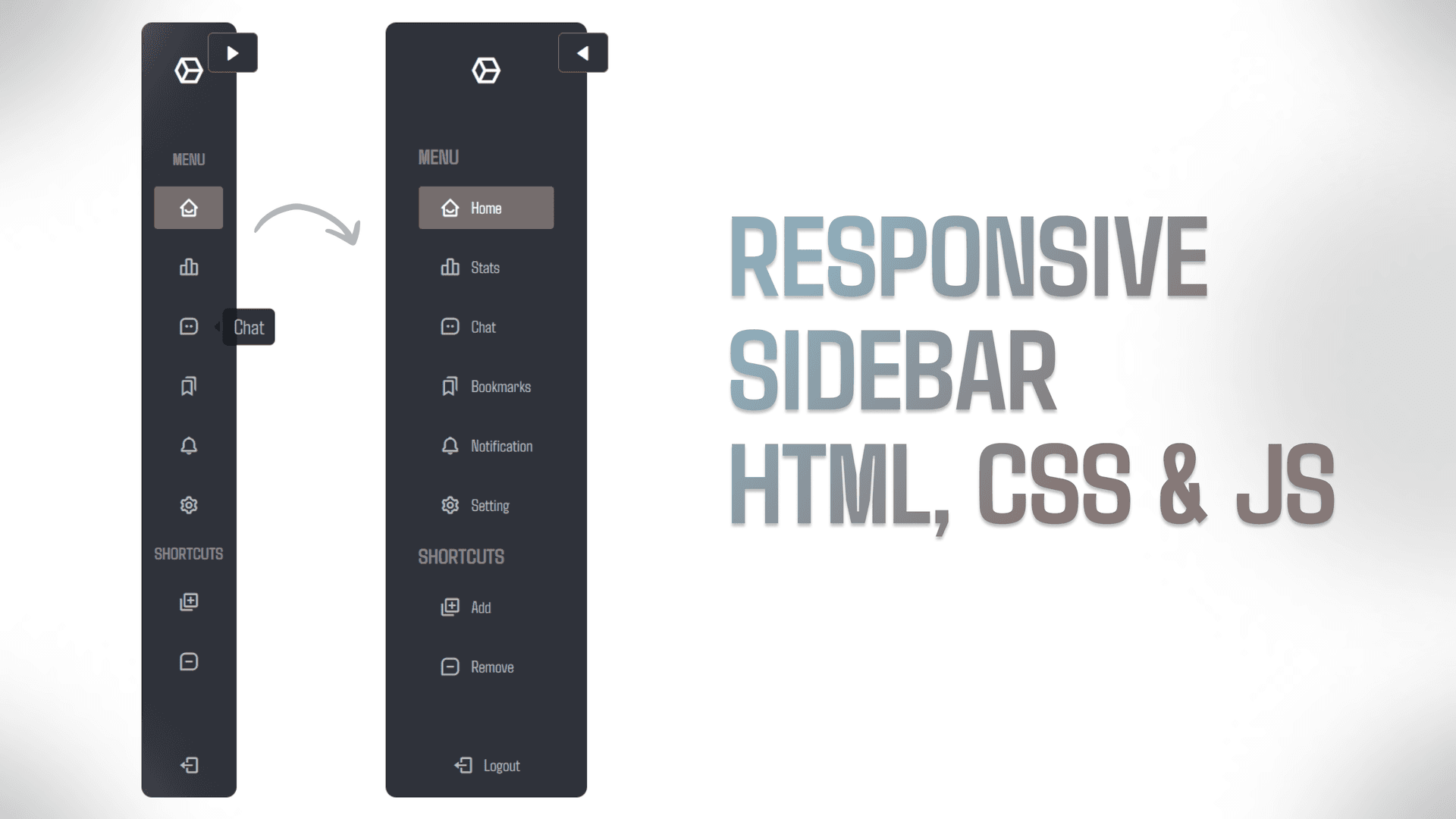
Built with: HTML, CSS and JavaScript · Best for: the component every dashboard needs
Not a full dashboard, but the component every dashboard on this list depends on. It covers a sidebar that collapses to icons, smooth toggle animations, and correct behaviour on mobile. Build this once and you can drop it into any of the projects above.
Read the tutorial and get the source code
Which one should you build first
If you are new to dashboards, start with the simple admin panel at number 1. It teaches the layout skeleton that every other design on this list reuses.
Once that makes sense, add the collapsible sidebar from number 12 to it. That single combination already covers most of what a real dashboard needs.
After that, pick based on what you want to show off. Neo Brutalism for a portfolio piece that gets remembered, Tailwind CSS with Chart.js if you want to learn a framework and real charts, or the corporate analytics build if you are putting together client work.
Frequently Asked Questions
Do I need JavaScript to build a dashboard?
No. Most of the designs on this list are built with HTML and CSS only. You need JavaScript once you want interactive charts, a working sidebar toggle, or data that updates without a page reload.
Can I use these dashboard designs in my own projects?
Yes. Every tutorial includes complete source code that you can copy, change, and use in personal or client work.
Which dashboard design is best for a beginner?
The simple admin panel at number 1. It uses CSS Grid and Flexbox without any JavaScript, so you can focus on layout before adding behaviour.
How do I make a dashboard responsive?
Use CSS Grid with repeat(auto-fit, minmax()) for the card area so cards reflow on their own, and add media queries to collapse the sidebar below roughly 768px. Every responsive design on this list uses that pattern.
What is a Neo Brutalism dashboard?
A dashboard built in the Neo Brutalism style, which uses thick black borders, hard offset shadows instead of soft blurs, and flat saturated colours. It is a deliberate reaction against the soft, minimal look most admin panels use.