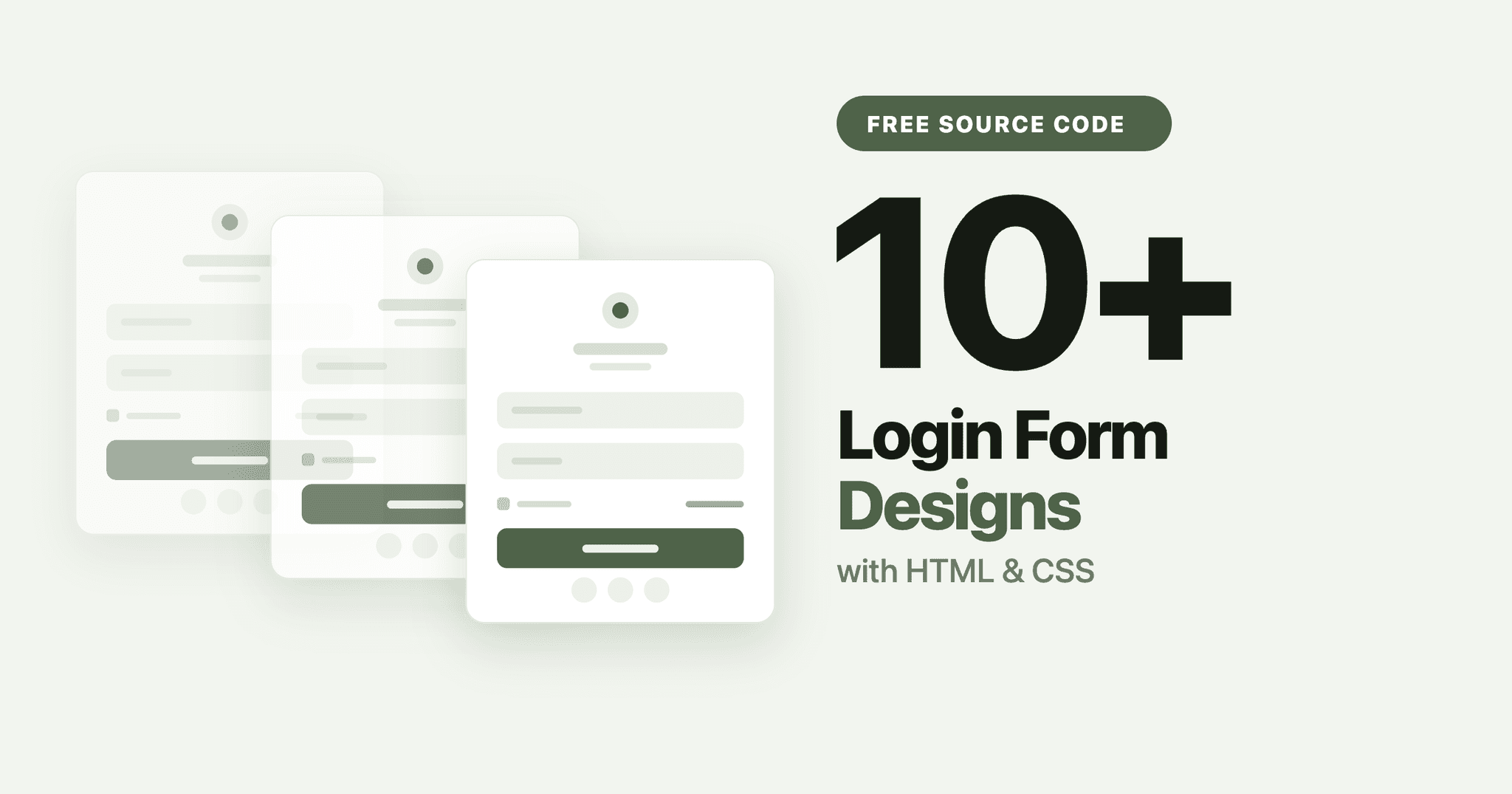
A login form is the piece of UI almost every project needs, and it is one of the best things to practise on. It is small enough to finish in an afternoon, but it still covers input styling, focus states, validation feedback, spacing and responsive behaviour.
Below are free login form designs you can build with HTML and CSS, each with a full tutorial and complete source code. They range from a plain sign-in box to popup modals, neumorphism and animated Tailwind forms.
What separates a good login form from a plain one
Most login form tutorials stop at centring a box on the page. These are the details that actually make one feel finished:
- Visible focus states. A field should clearly change when it is selected, not just show the browser default outline.
- Room to breathe. Inputs need generous padding and consistent vertical spacing between fields.
- A real primary button. One obvious action, full width, with a hover and active state.
- Space reserved for errors. If the layout jumps when a validation message appears, the form feels broken.
- Sensible behaviour on mobile. Full width fields, large tap targets, nothing cut off at 360px.
Every design below handles at least three of these.
1. Sign Up and Login Form with HTML and CSS
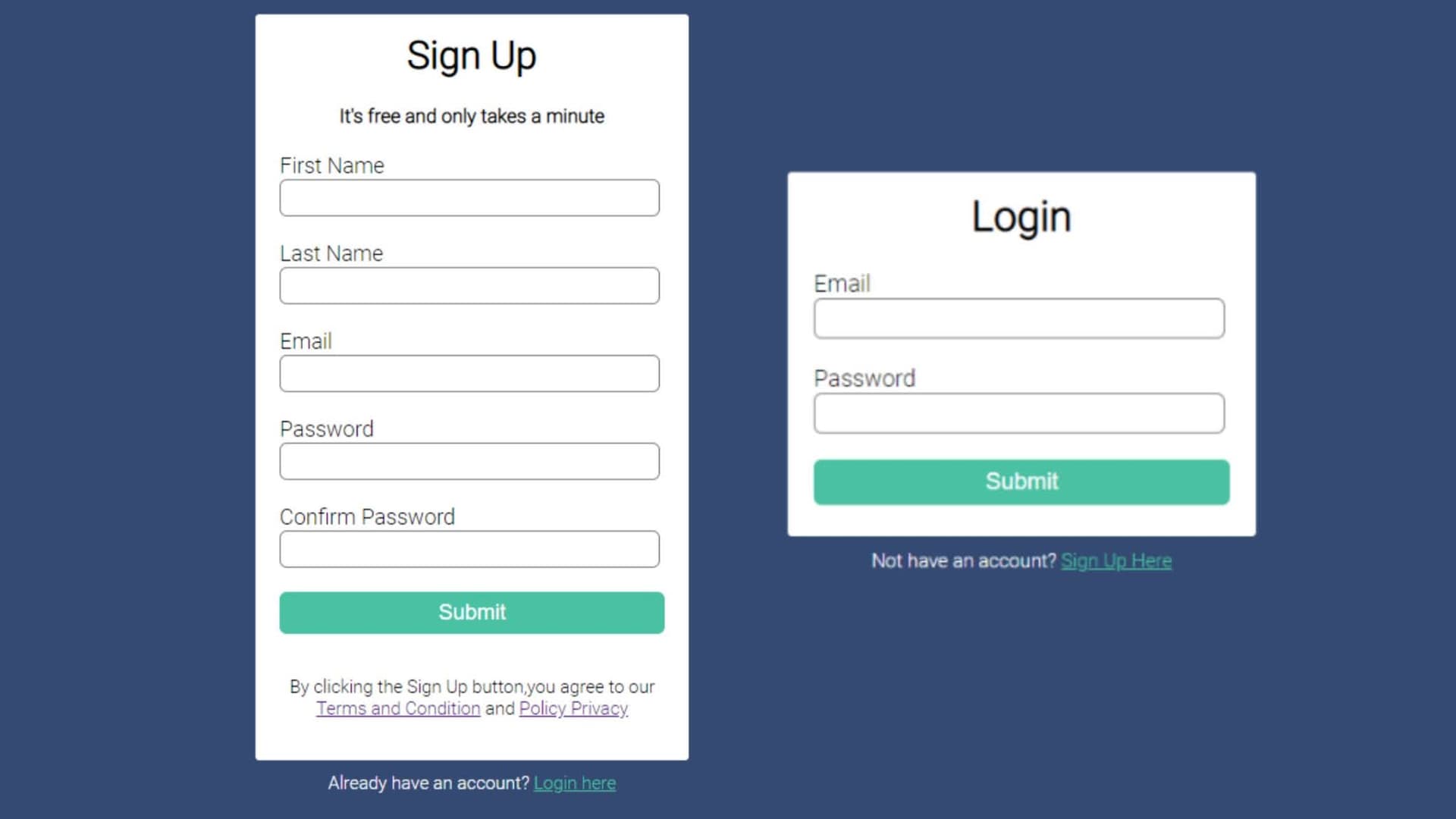
Built with: HTML and CSS · Best for: covering both flows in one component
A combined sign-up and login form with tabbed switching between the two states. This is the most practical version on the list, because most real projects need both, and it teaches you how to swap panels without JavaScript.
Read the tutorial and get the source code
2. Animated Login Form with Tailwind CSS and GSAP
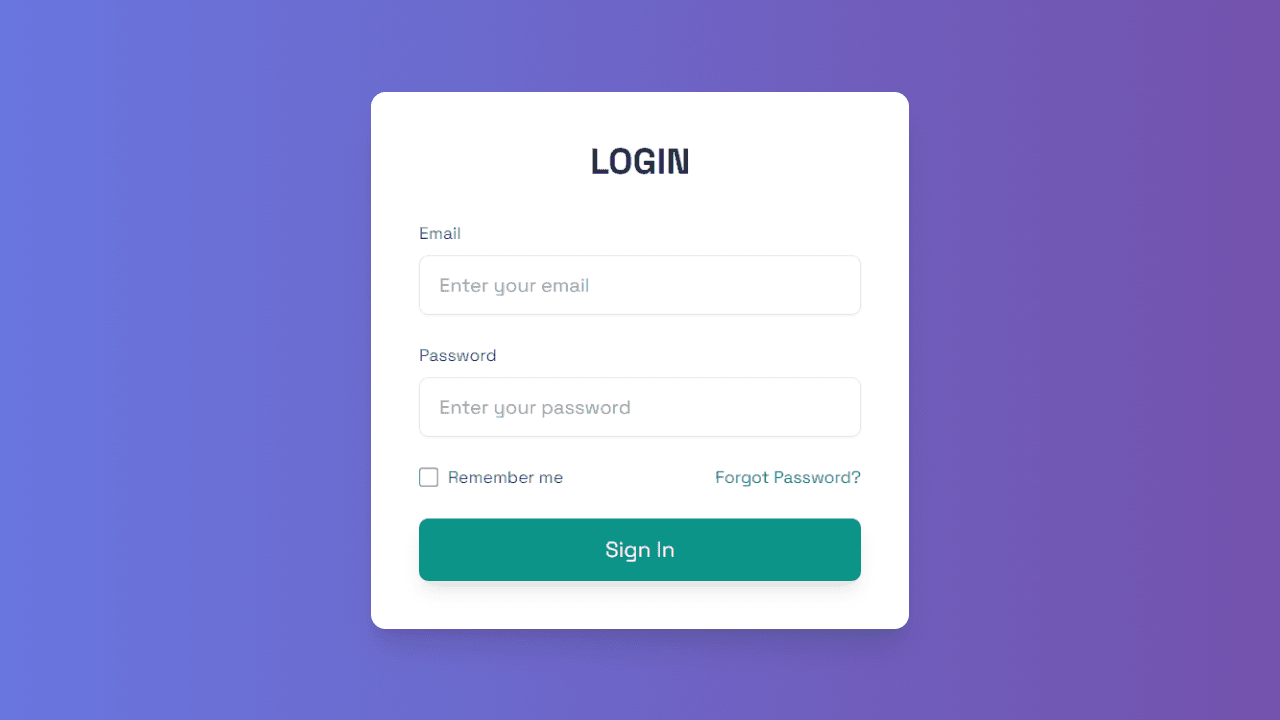
Built with: Tailwind CSS, GSAP · Best for: learning animation and utility-first CSS
A login form built with Tailwind CSS and animated with GSAP. Worth building if you want to move past static forms and see how entrance animations and field transitions are actually wired up.
Read the tutorial and get the source code
3. Login Form with HTML and CSS
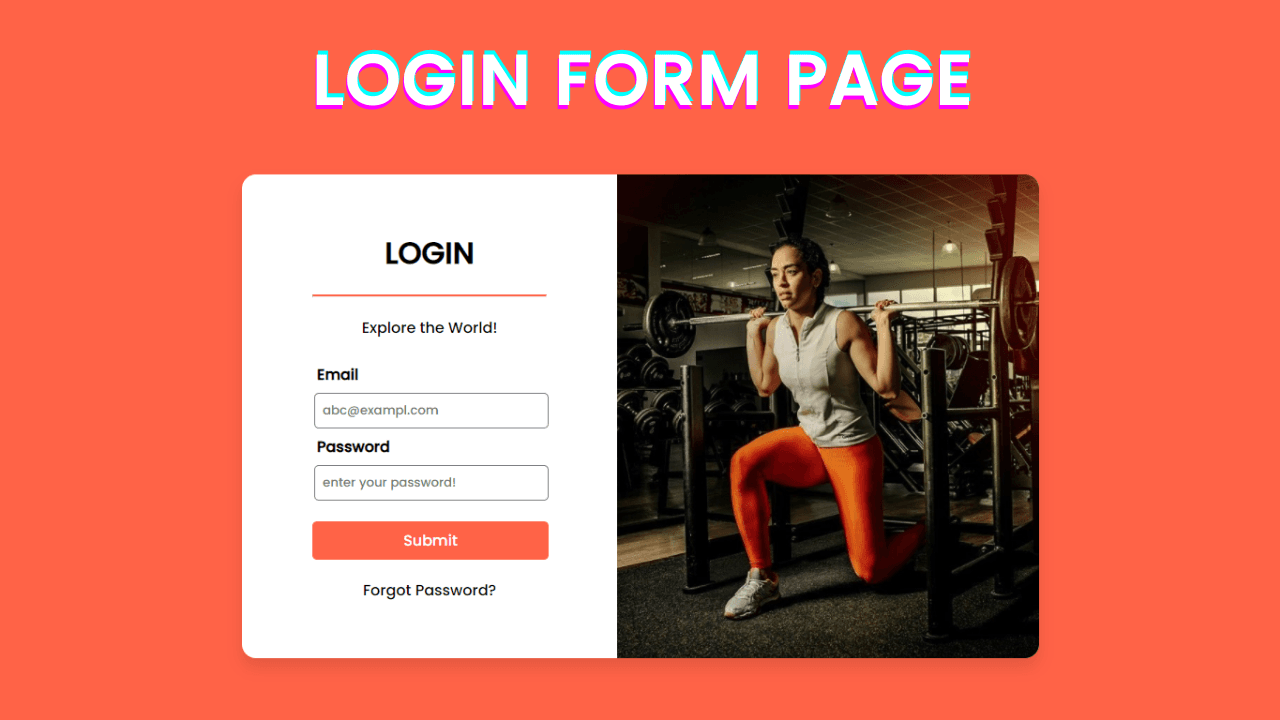
Built with: HTML and CSS · Best for: your first login form
A straightforward, professional login form covering input fields, validation styling and modern spacing. Start here if you have not built one before, then use its structure as the base for the rest of this list.
Read the tutorial and get the source code
4. Popup Login Form with HTML and CSS
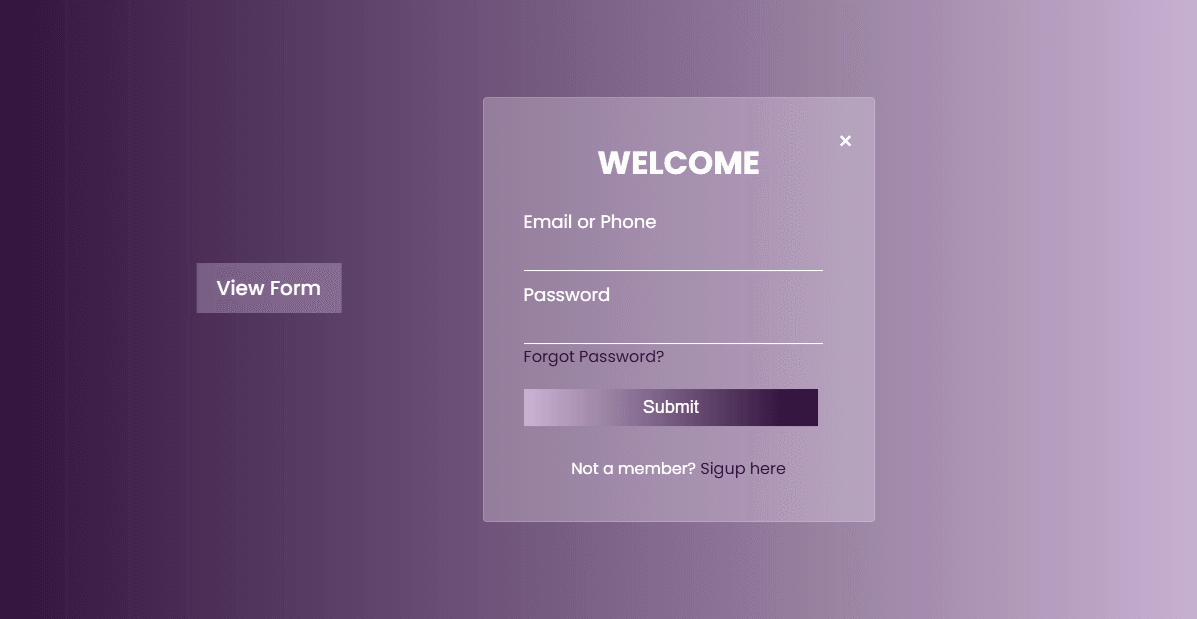
Built with: HTML and CSS · Best for: logging in without leaving the page
A modal login form that opens over the page, with a glass morphism panel and smooth transitions. Modals are their own skill: you have to handle the overlay, the scroll lock and the close behaviour, not just the box itself.
Read the tutorial and get the source code
5. Simple and Cool Login Form with HTML and CSS
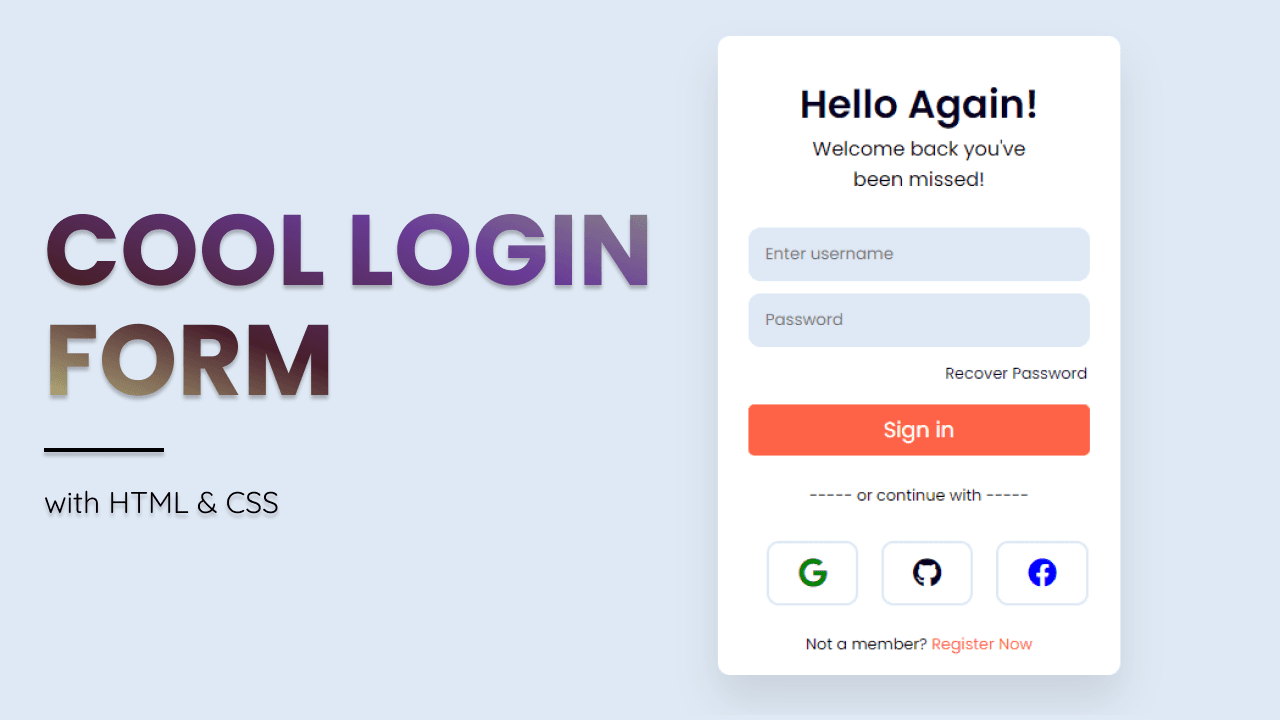
Built with: HTML and CSS · Best for: a quick, good-looking result
A stylish login form that looks considered without much code. Good when you need something presentable in a project quickly rather than a teaching exercise.
Read the tutorial and get the source code
6. Sign In Form with HTML and CSS
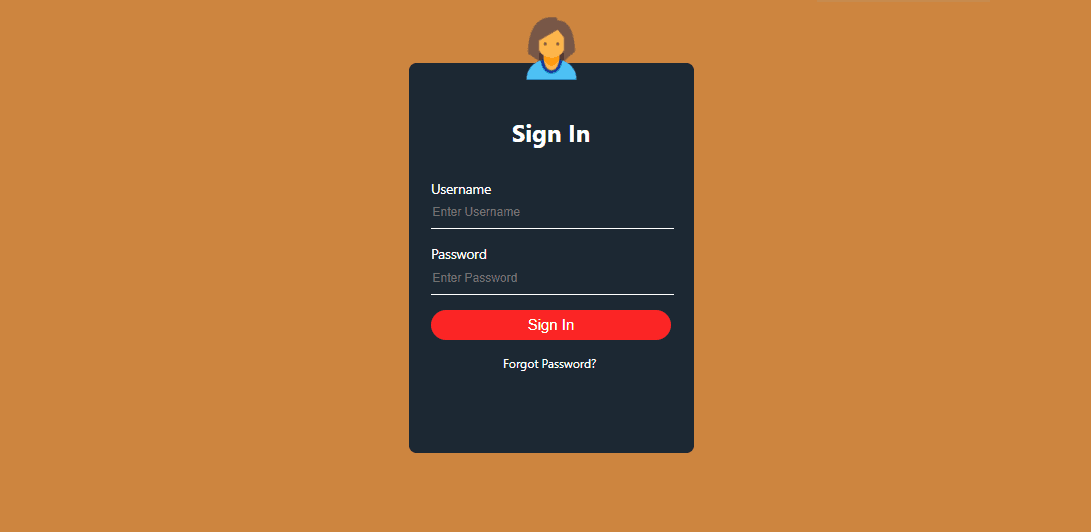
Built with: HTML and CSS · Best for: understanding the fundamentals
A clean, minimal sign-in form focused on input styling and validation states. The least decorated design here, which makes it the clearest one to read if you want to understand what each rule is doing.
Read the tutorial and get the source code
7. Neumorphism Login Form with HTML and CSS
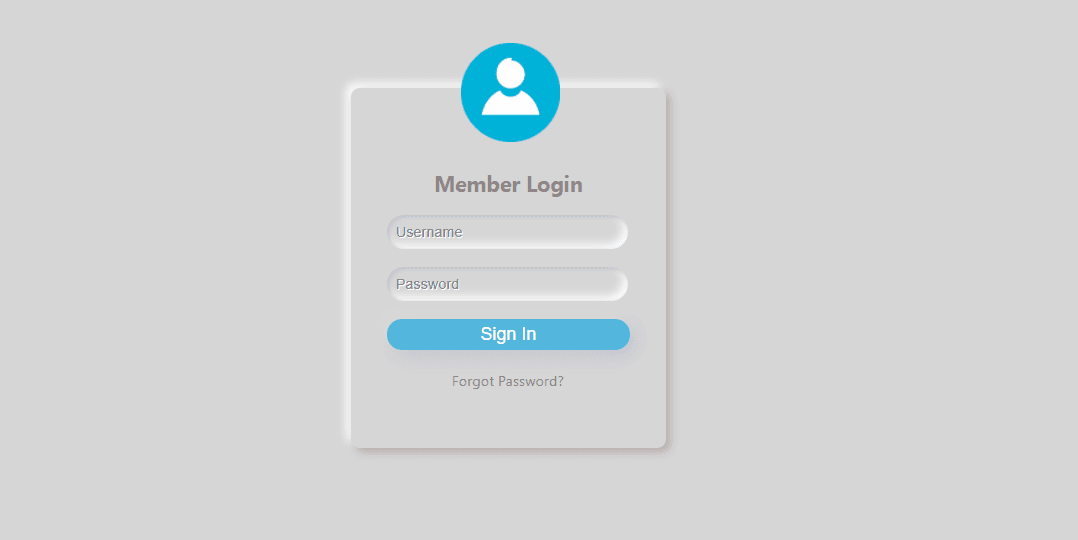
Built with: HTML and CSS · Best for: a portfolio piece with a distinct style
Neumorphism uses paired light and dark shadows to make elements look pressed into or raised out of the background. It is a demanding style to get right, and inputs are the hardest part, which makes this a genuinely useful shadow exercise.
Read the tutorial and get the source code
8. Login Page using HTML and CSS
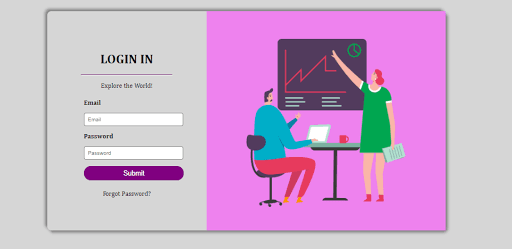
Built with: HTML and CSS · Best for: a full page rather than a single component
A complete login page rather than an isolated form. It covers how the form sits inside a full viewport layout and stays centred and readable at every screen size, which is a different problem from styling the fields.
Read the tutorial and get the source code
Which one should you build first
If you are new to this, build the login form at number 3. It teaches the structure every other design on this list reuses: a centred container, styled inputs, focus states and a primary button.
Once that makes sense, try the popup version at number 4. Turning a static form into a modal is the single most useful upgrade, and it is what most real projects actually need.
After that, pick based on what you want to practise. Neumorphism for a portfolio piece with a recognisable style, Tailwind with GSAP if you want animation and a utility framework, or the sign-up and login combination if you are building something real and need both flows.
Frequently Asked Questions
Are these login forms secure?
No, and no front-end form is. These tutorials cover the HTML and CSS, which is presentation only. Real authentication needs server-side validation, password hashing and a secure session. Treat these as the interface layer on top of that.
Can I use these login forms in my own projects?
Yes. Every tutorial includes complete source code you can copy, change and use in personal or client work.
Do I need JavaScript for a login form?
Not for the layout and styling. You need JavaScript to open and close a popup modal, to show live validation messages as someone types, or to submit the form without reloading the page.
How do I centre a login form on the page?
Set the container to min-height: 100vh with display: flex, then align-items: center and justify-content: center. That keeps the form centred both ways at any screen size, and it is the pattern every design on this list uses.
What is a neumorphism login form?
A login form built in the neumorphism style, which uses a light shadow on one side and a dark shadow on the other to make elements appear raised from or pressed into the background. Inputs usually use inset shadows so the fields look recessed.